
Gallery
Incluve AAC app screenshots
The same app on a phone and on a tablet. Nothing here is a mock-up.
On a phone
-
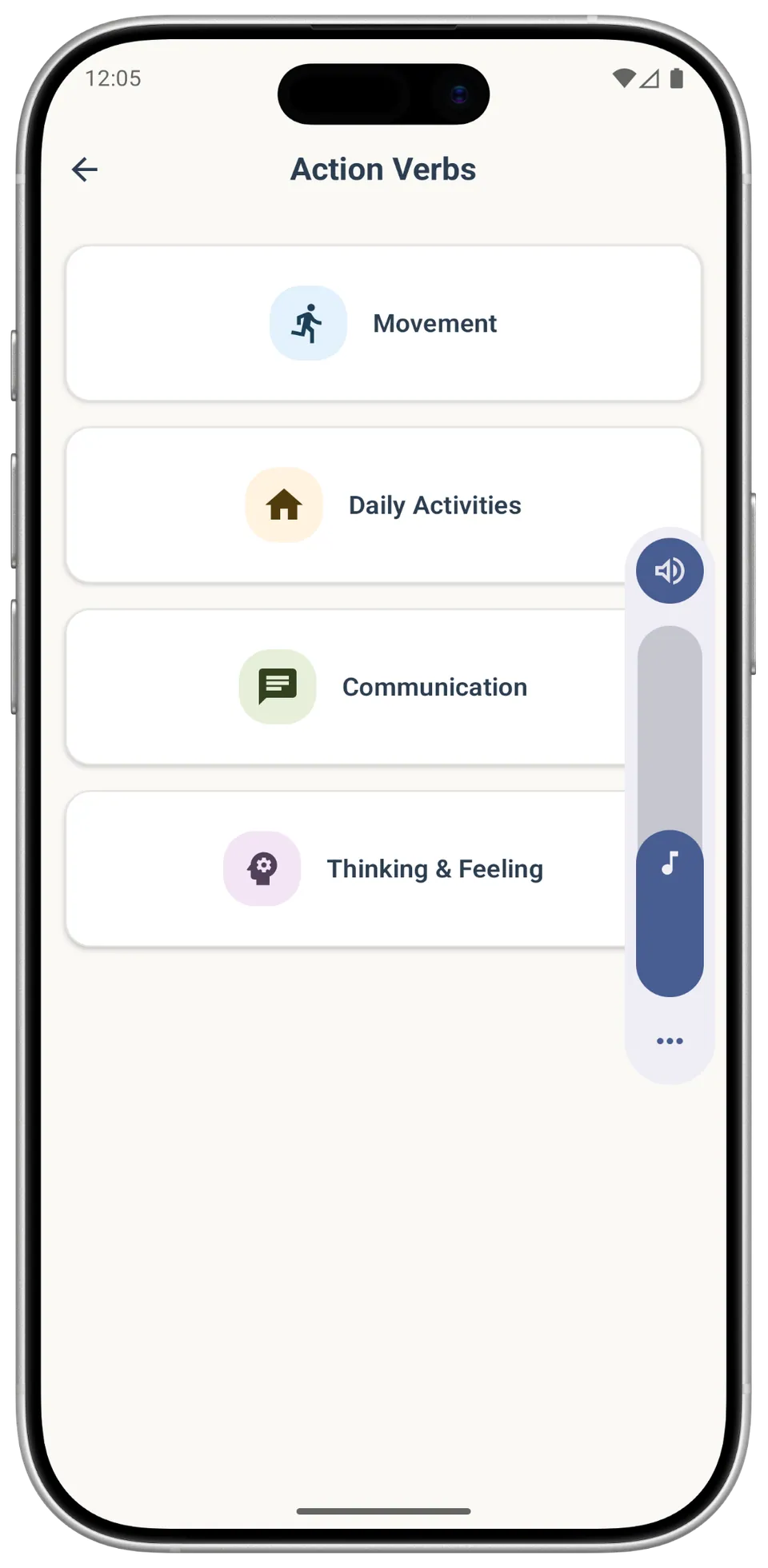
Action verbs Action verbs sorted into four groups: Movement, Daily Activities, Communication, and Thinking & Feeling, each with its own icon. -
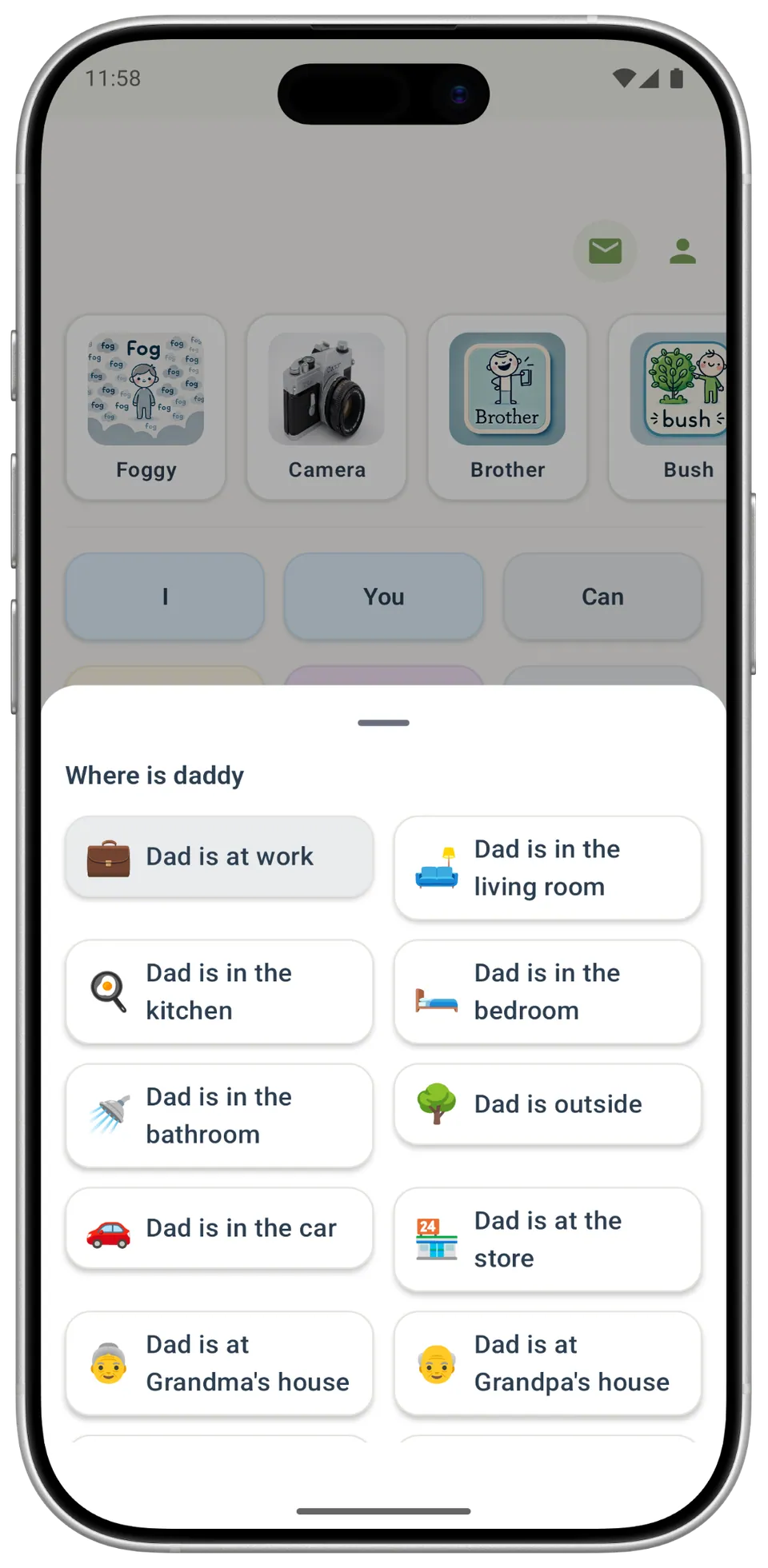
Ask and generate responses A sheet of ready answers opens for the question 'Where is daddy', from 'Dad is at work' to 'Dad is in the kitchen' and 'Dad is in the car'. -
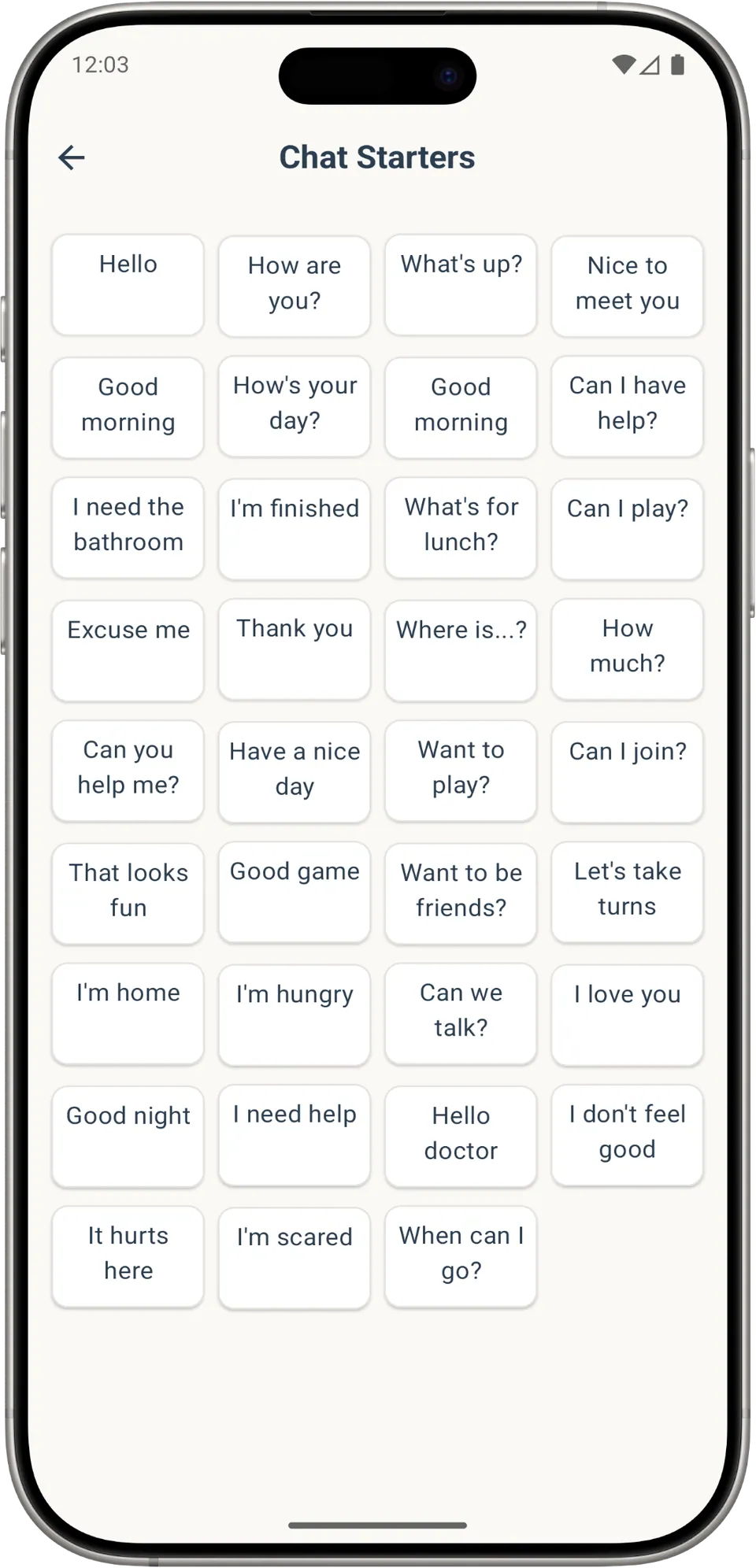
Chat Chat Starters: a grid of short everyday phrases such as 'Hello', 'Can I have help?', 'I'm hungry', 'It hurts here' and 'I'm scared'. -
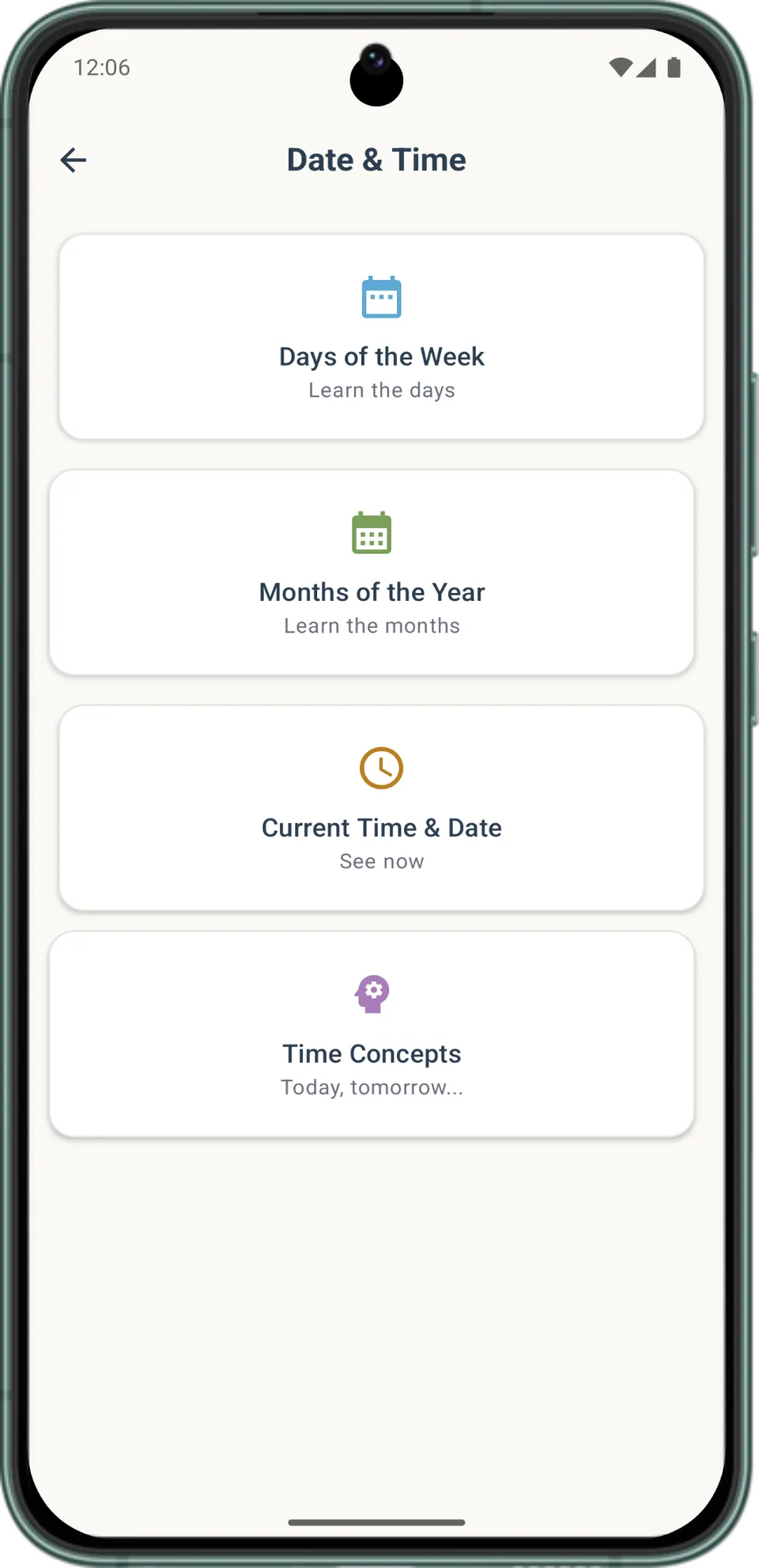
Date and time Date & Time offers four sections: Days of the Week, Months of the Year, Current Time & Date, and Time Concepts such as today and tomorrow. -
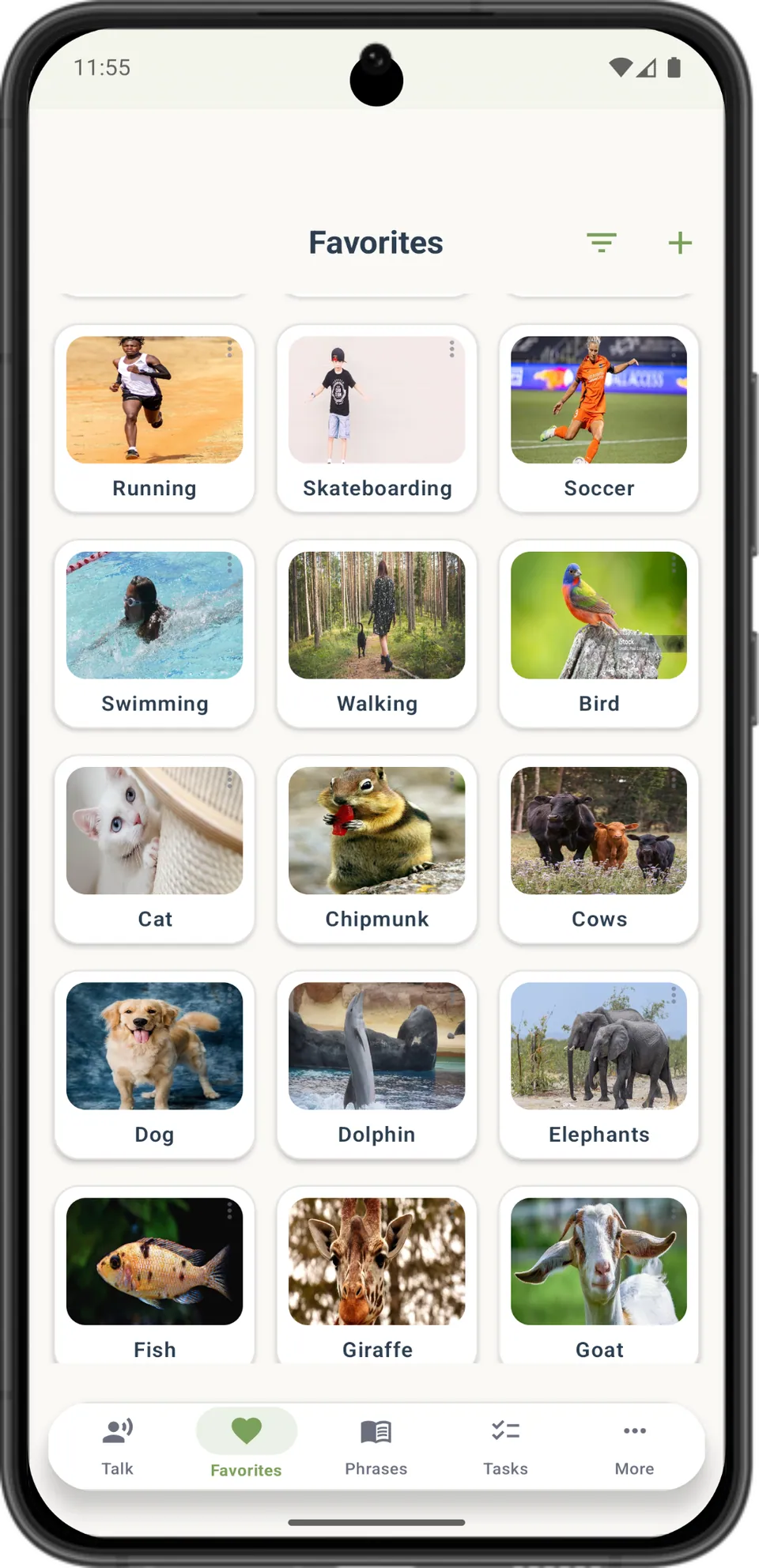
Favorites Favourites holds photo cards the user has saved, such as Running, Swimming, Cat, Dog and Giraffe, with buttons to filter and add more. -
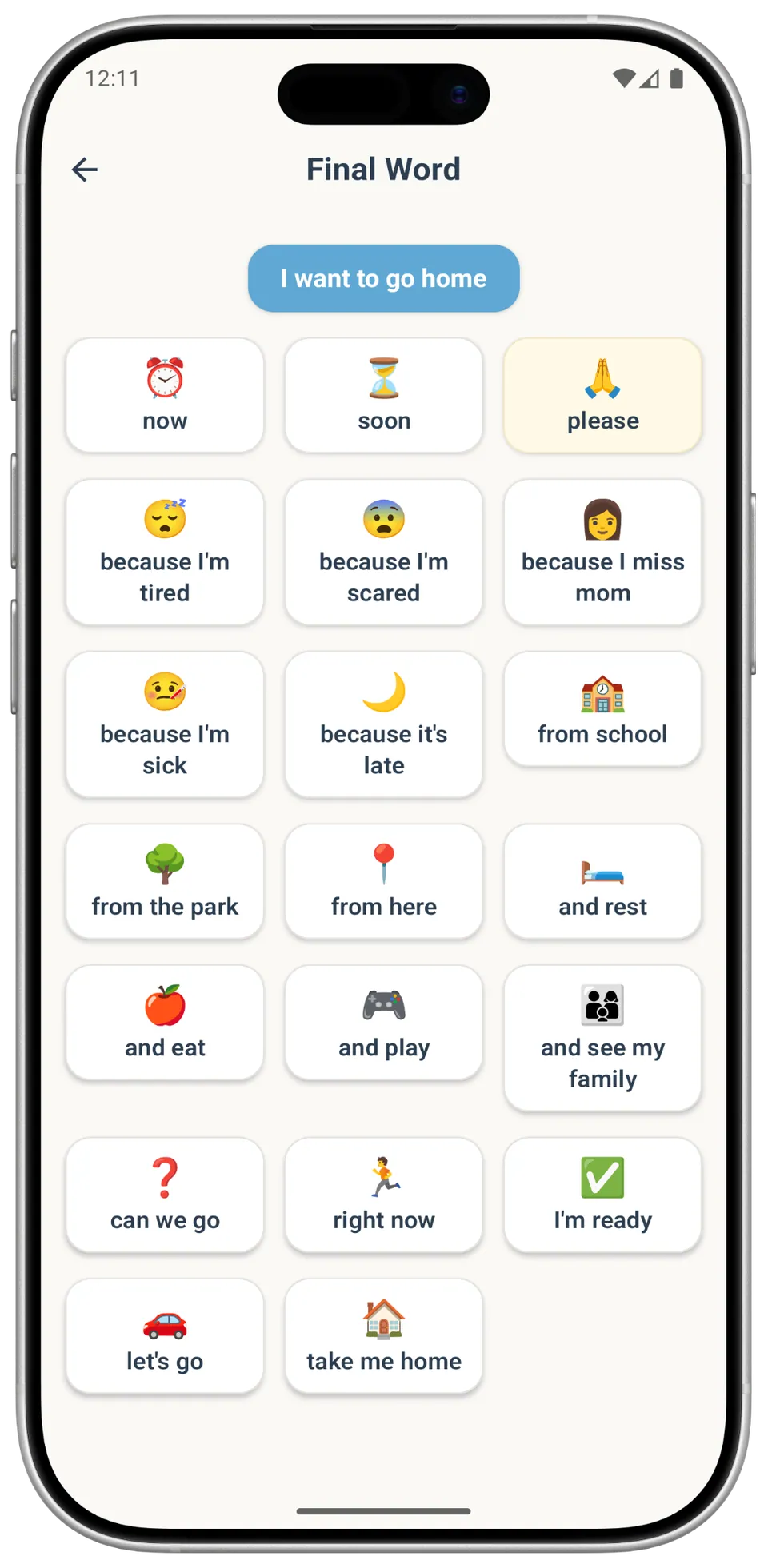
Final word Finishing 'I want to go home': endings include 'now', 'please', 'because I'm tired', 'from school' and 'take me home'. -
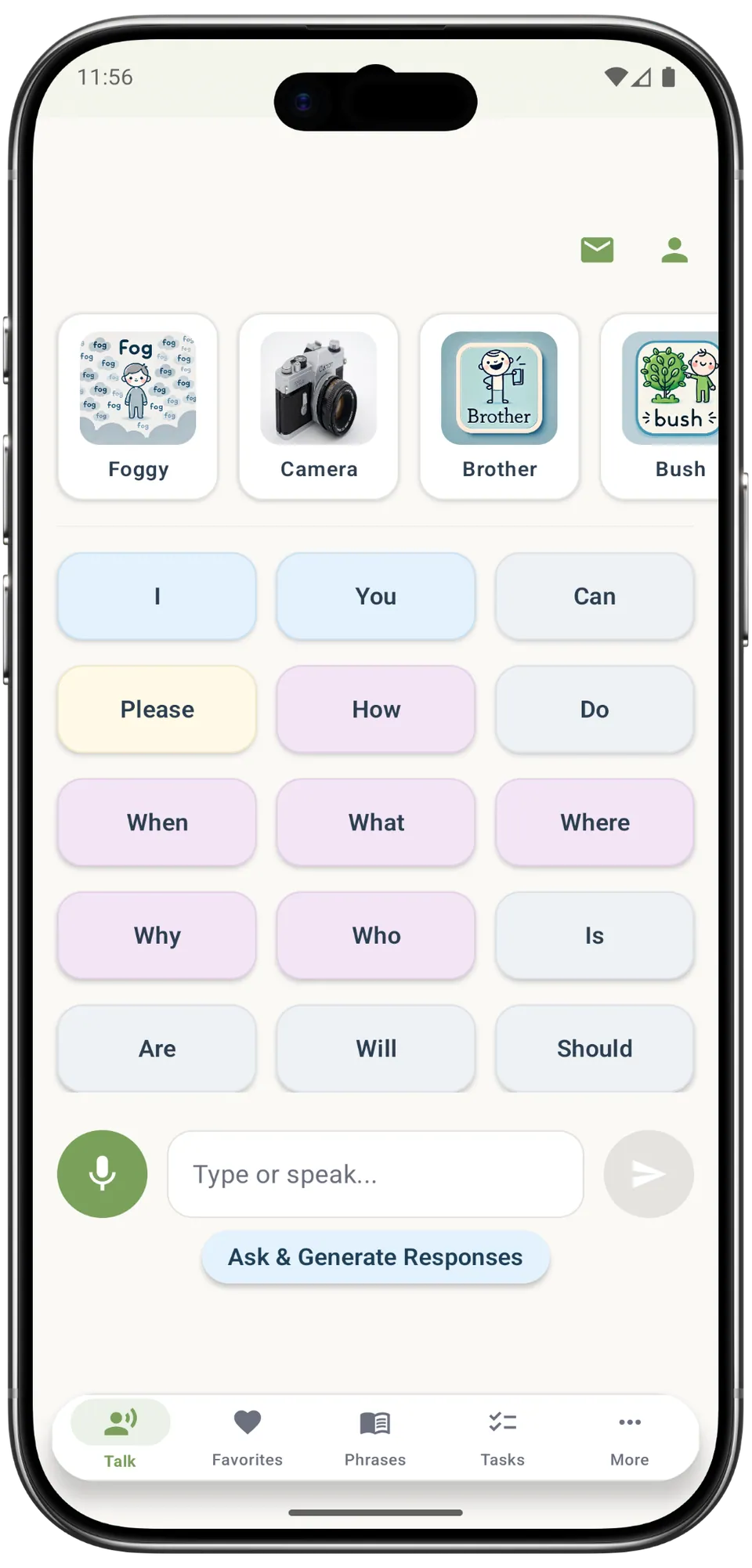
First words The Talk screen starts with picture cards and first words such as 'I', 'You', 'Please' and 'Where', plus a box to type or speak. -
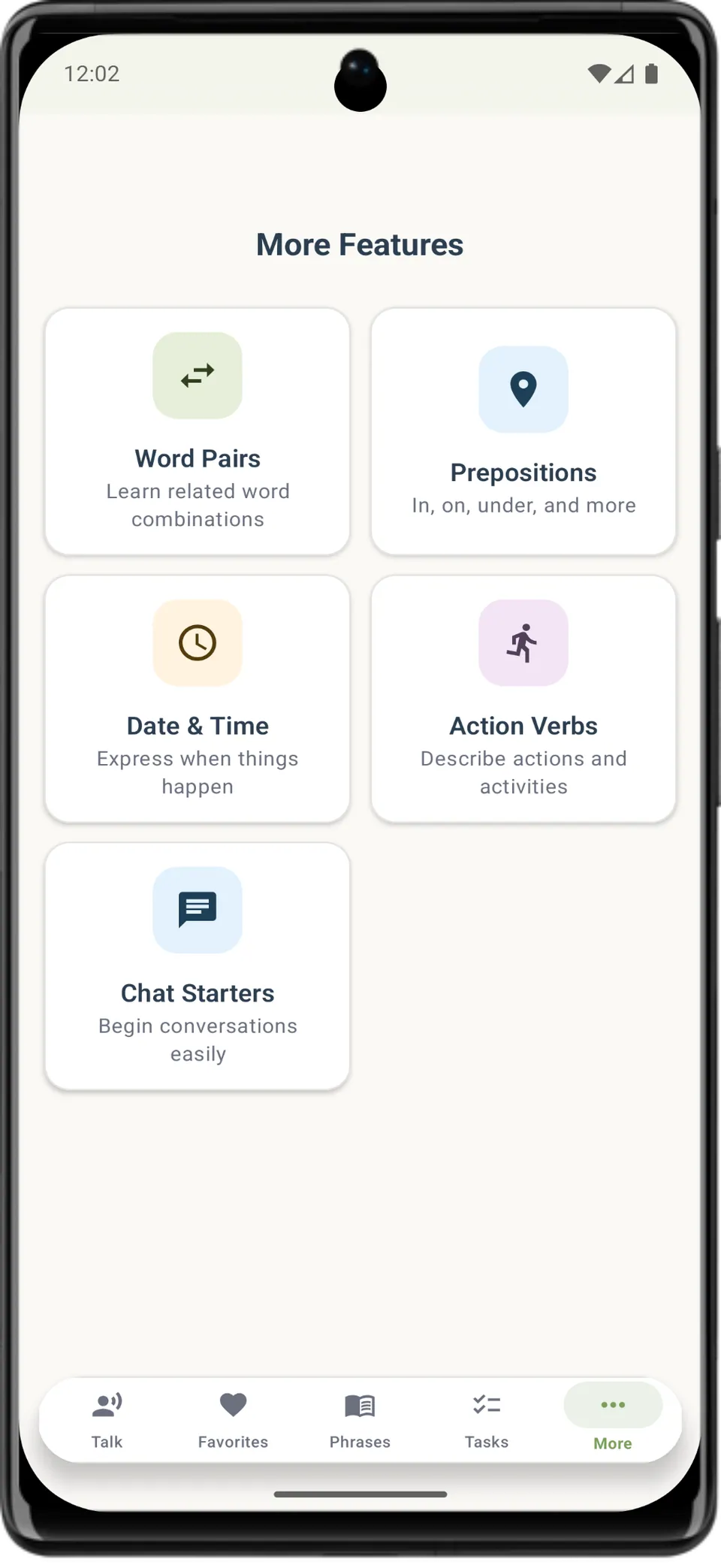
More features The More tab leads to Word Pairs, Prepositions, Date & Time, Action Verbs and Chat Starters, each with a short note on what it covers. -
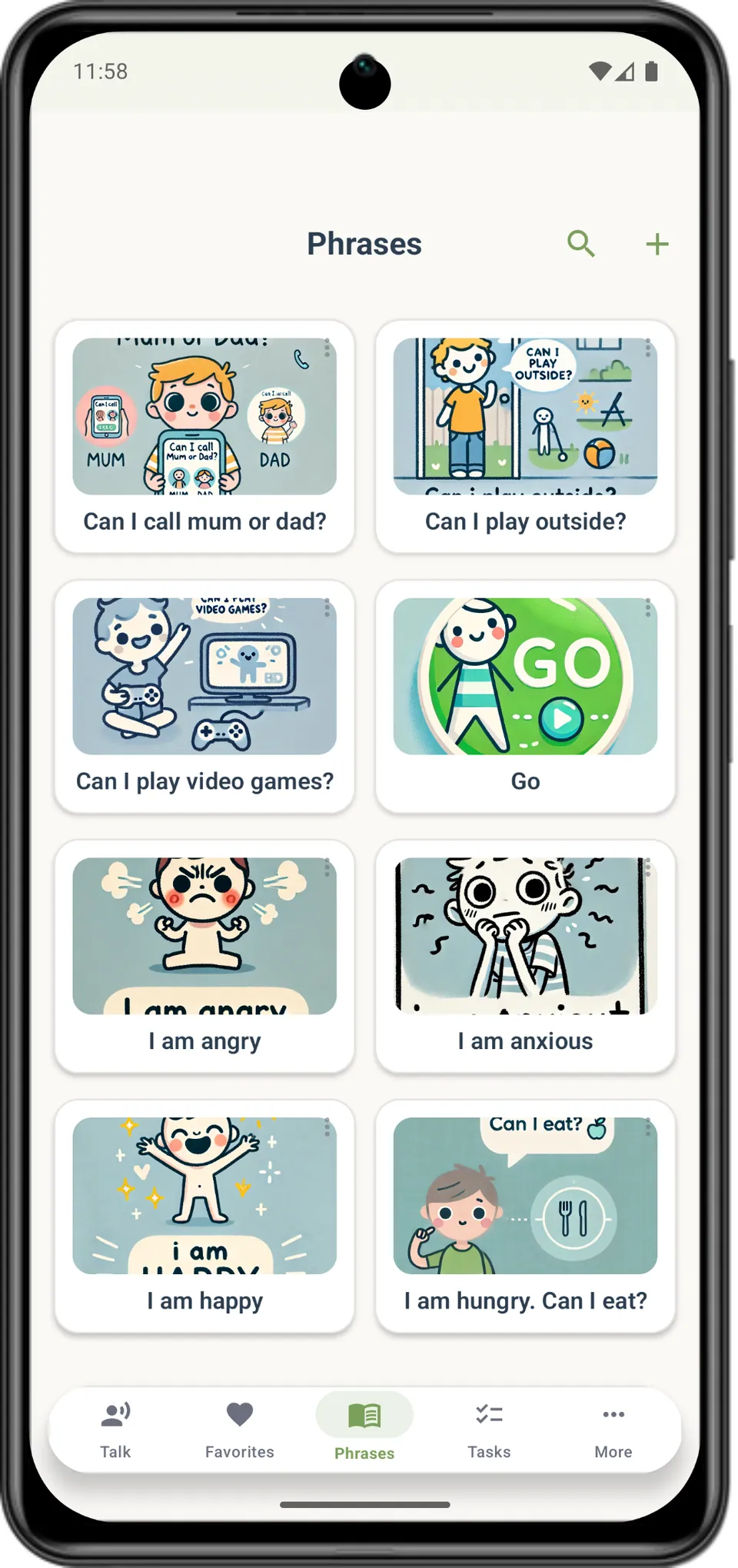
Phrases Illustrated phrase cards such as 'Can I call mum or dad?', 'I am angry', 'I am anxious' and 'I am hungry. Can I eat?', with search and add buttons. -
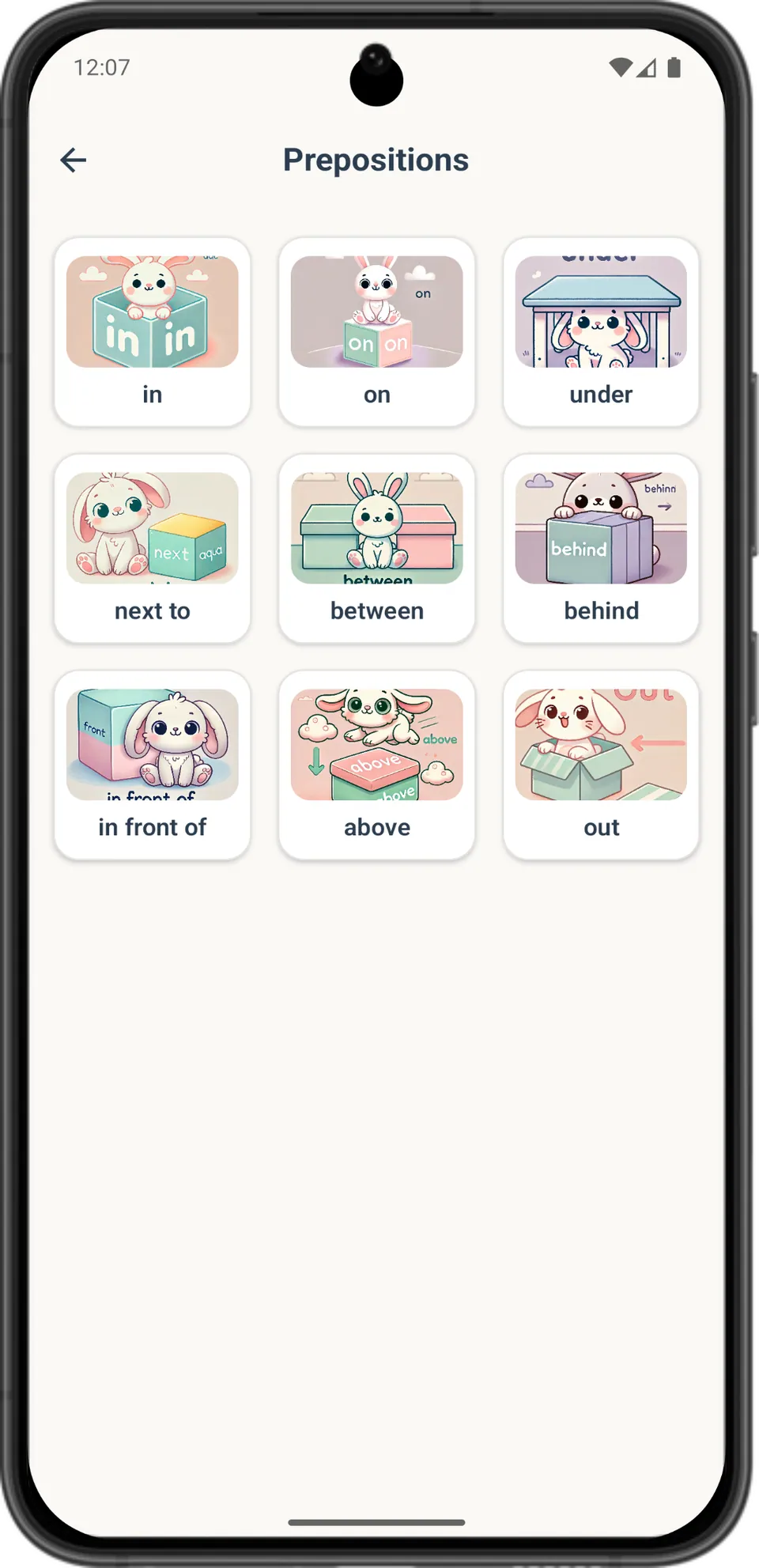
Prepositions Prepositions shown with a rabbit and a box: in, on, under, next to, between, behind, in front of, above and out. -
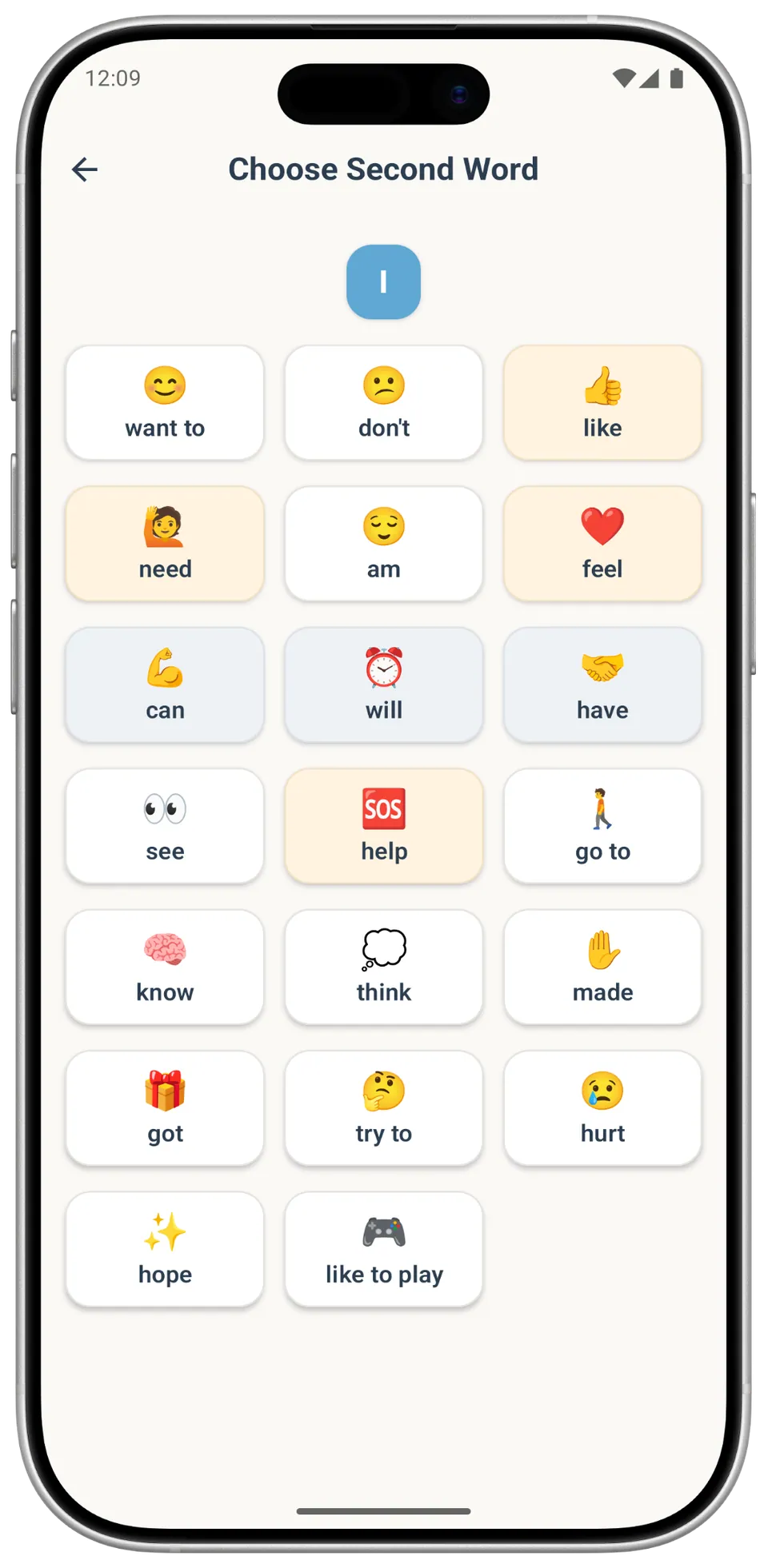
Second words Choosing the second word after 'I': options include 'want to', 'don't', 'need', 'feel', 'can', 'help' and 'hurt', each with an emoji. -
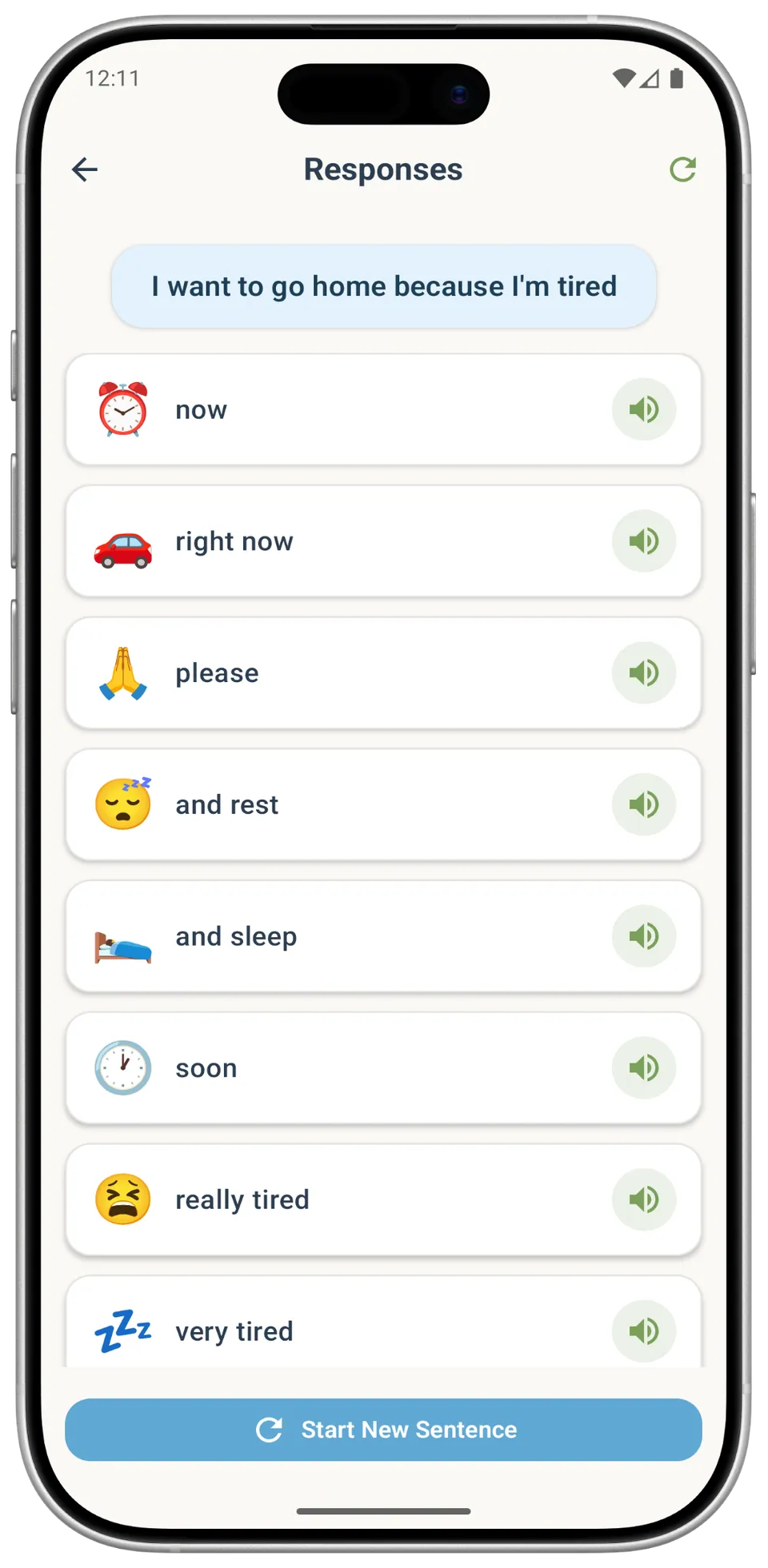
Sentence completion With 'I want to go home because I'm tired' built, suggested endings such as 'now', 'please' and 'and rest' each have a button to hear them spoken. -
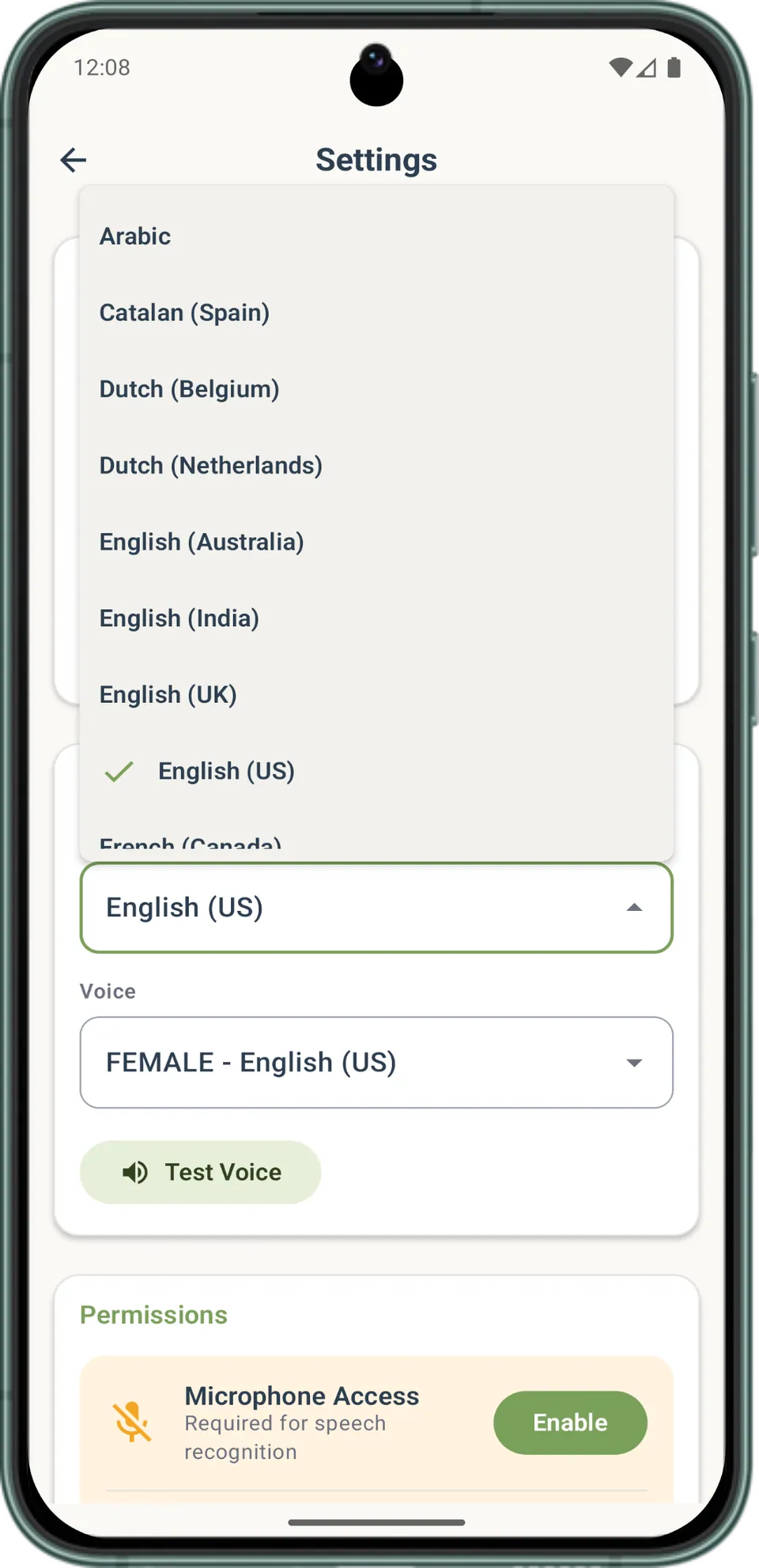
Settings In Settings, the user picks a language and a voice from a list that includes Arabic, Dutch and English (UK), and can tap 'Test Voice' to hear it. -
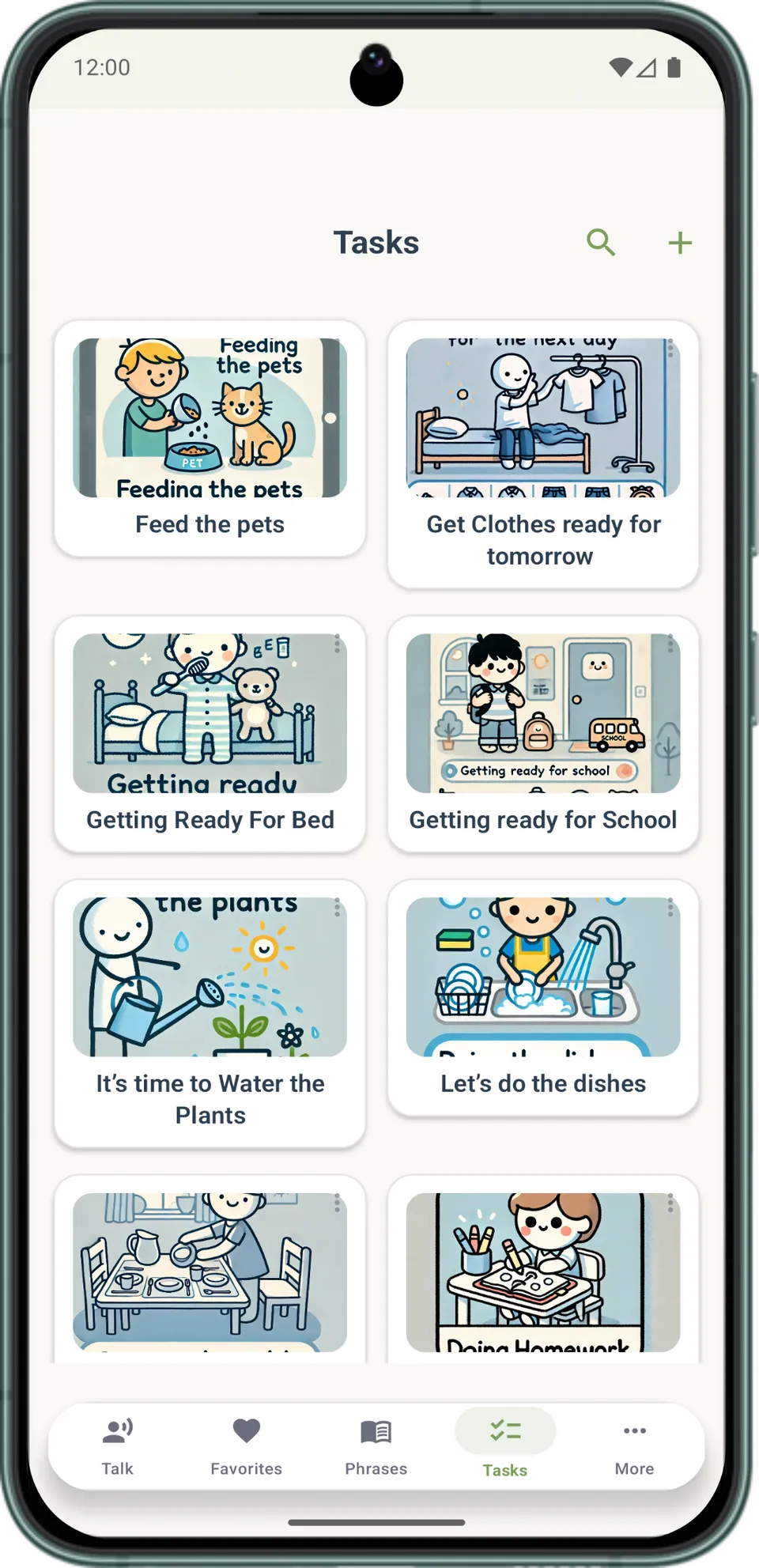
Tasks Illustrated routine cards such as 'Feed the pets', 'Getting Ready For Bed', 'Getting ready for School' and 'Let's do the dishes'. -
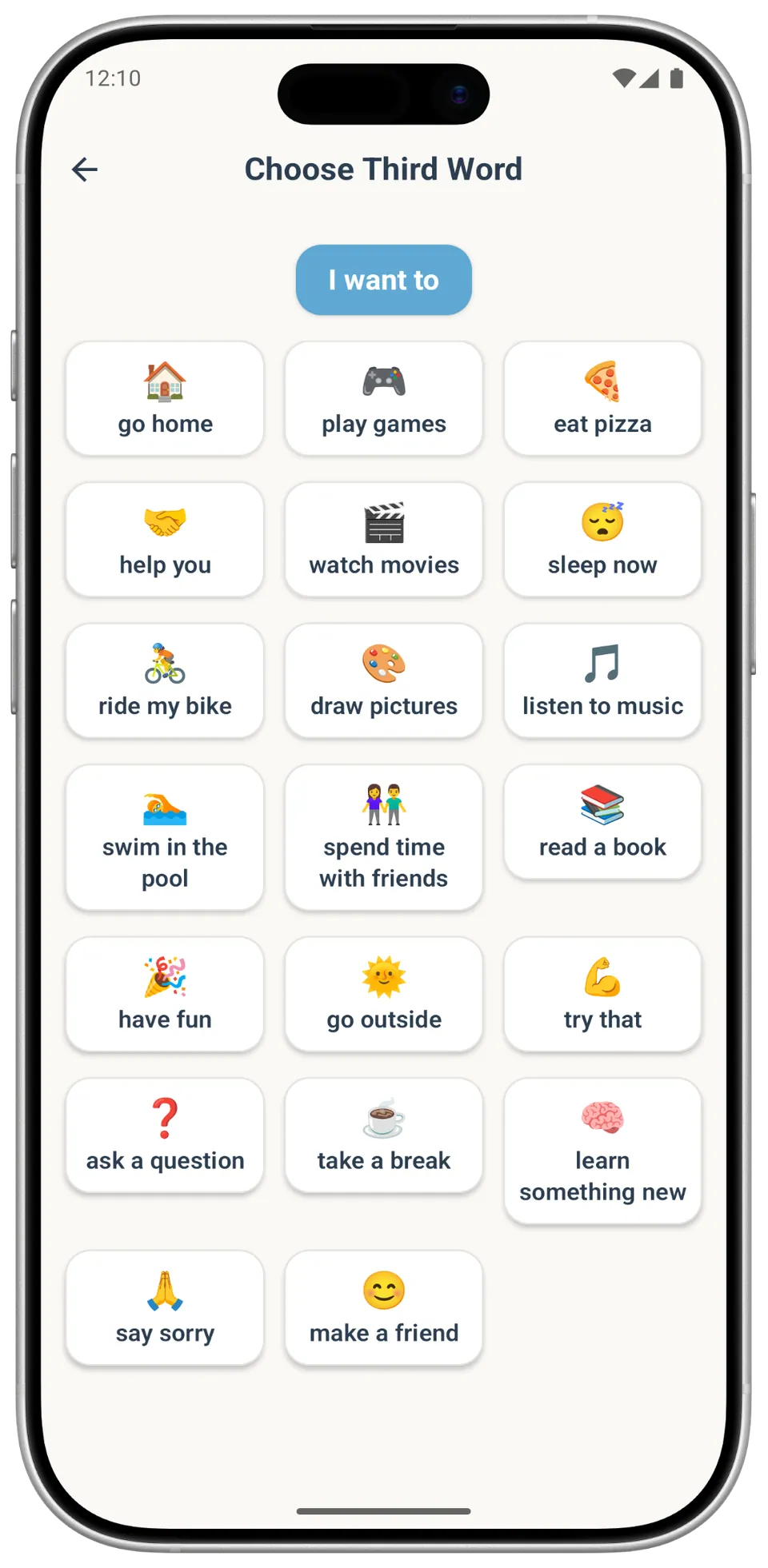
Third words Picking the next part after 'I want to': choices include 'go home', 'eat pizza', 'ride my bike', 'take a break' and 'say sorry'. -
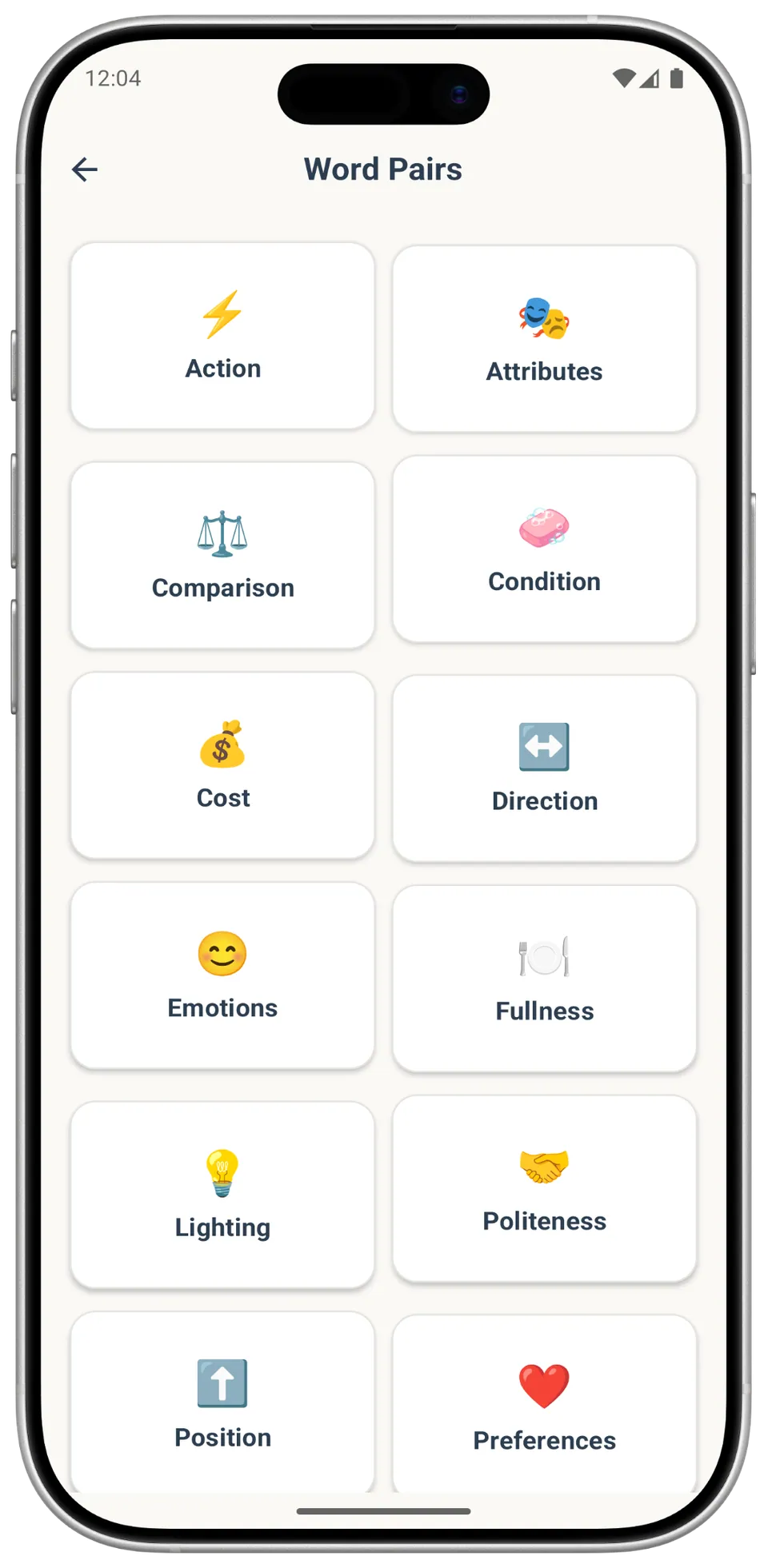
Word pairs Word Pairs grouped by theme, including Action, Comparison, Emotions, Fullness, Politeness, Position and Preferences, each with an emoji.
On a tablet
-
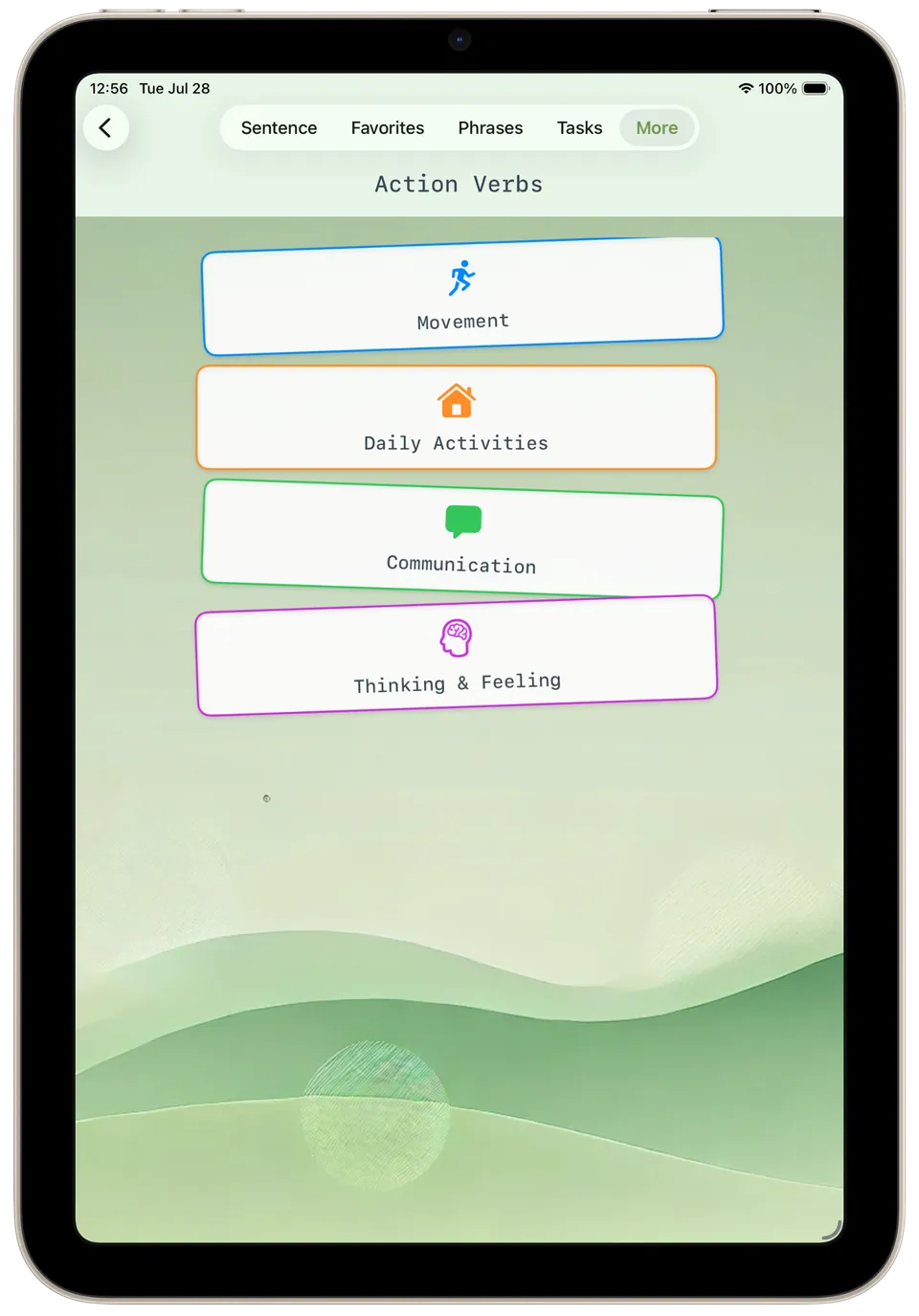
Action verbs Action verbs grouped into four colour-coded categories, 'Movement', 'Daily Activities', 'Communication' and 'Thinking & Feeling', each opened with a tap. -
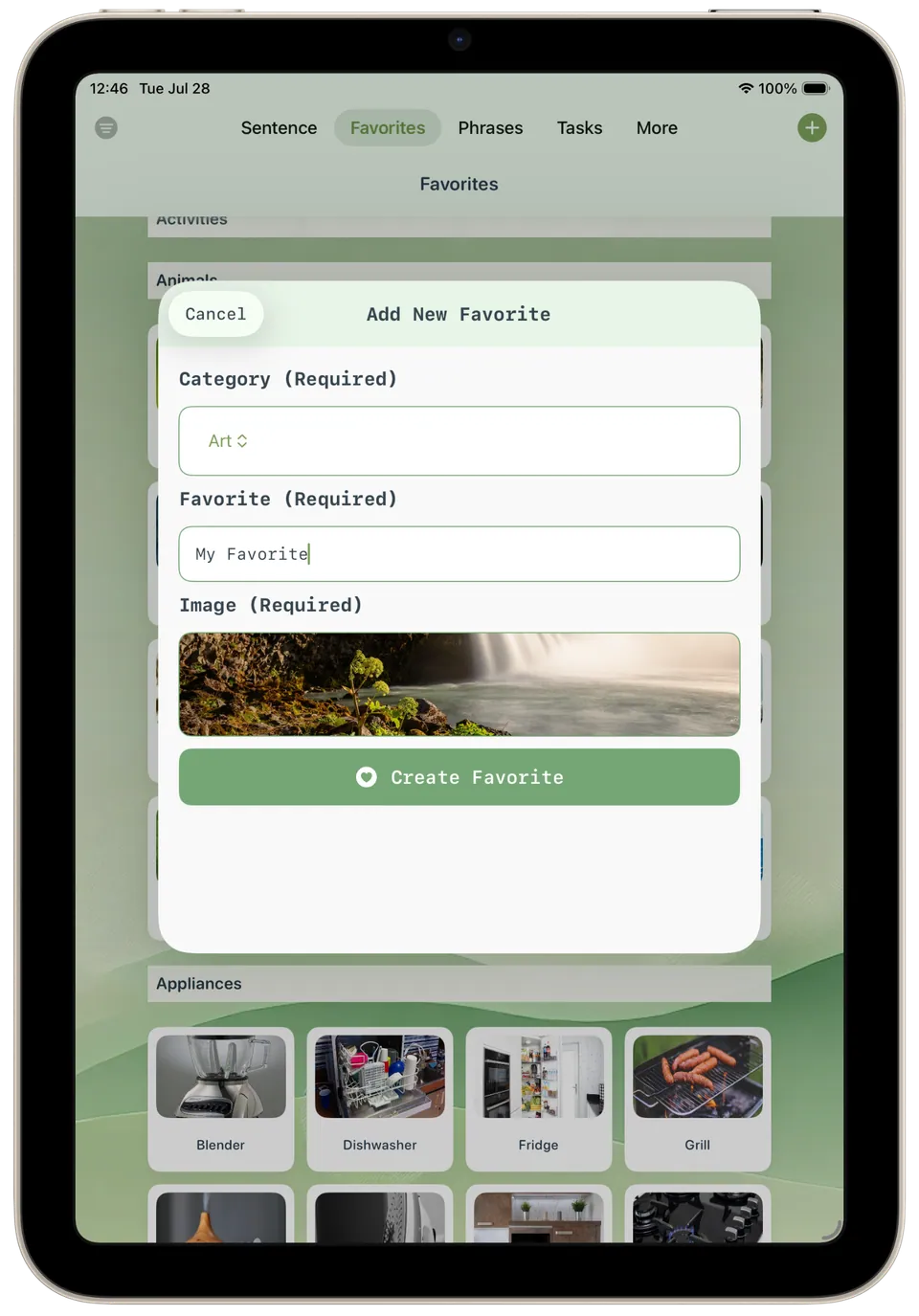
Add new favorite Adding a new favourite: choose a category such as 'Art', type a name, pick an image, then tap the create button. -
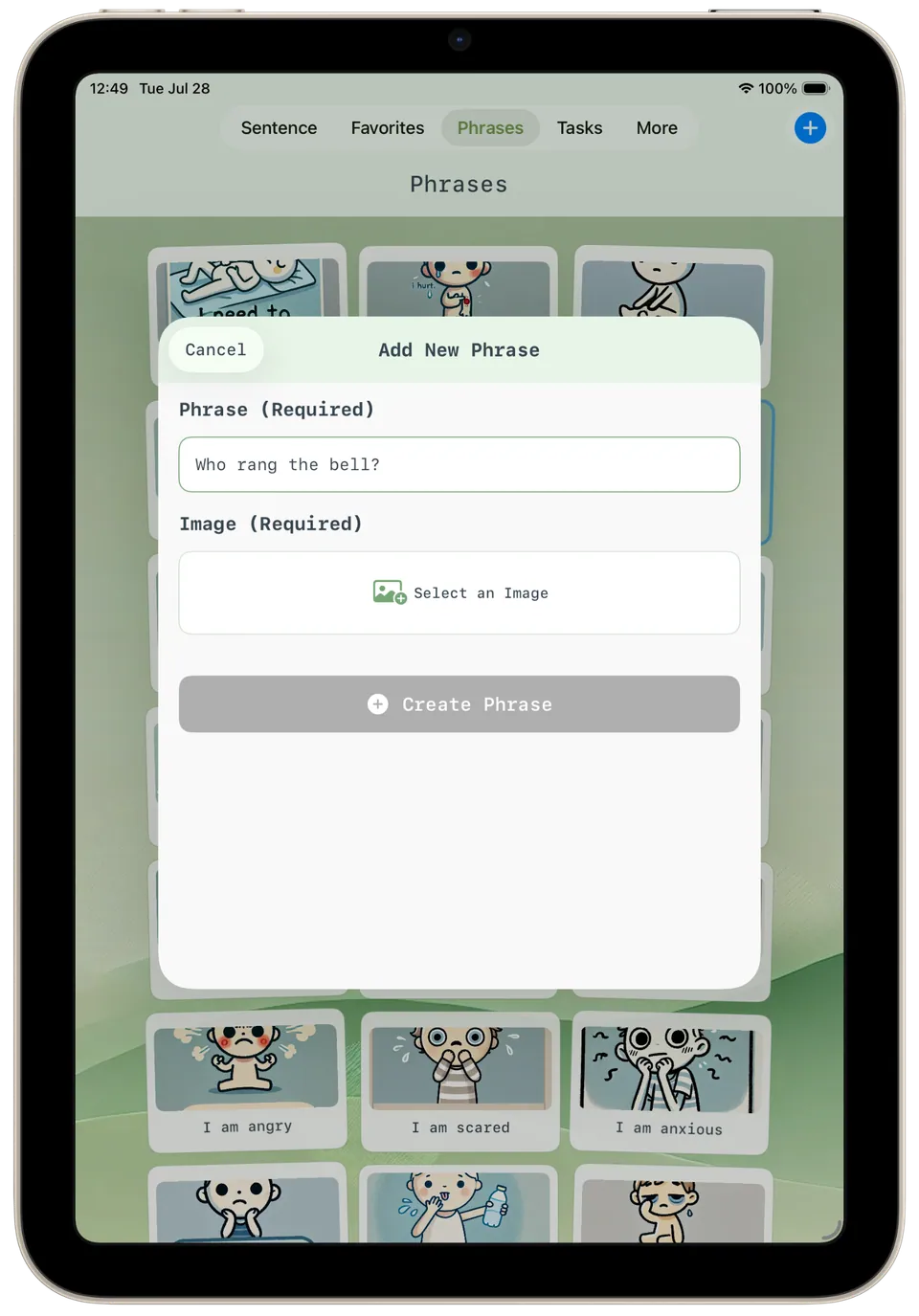
Add new phrase Adding a new phrase: type the words, here 'Who rang the bell?', select an image, then create it alongside the existing picture phrases. -
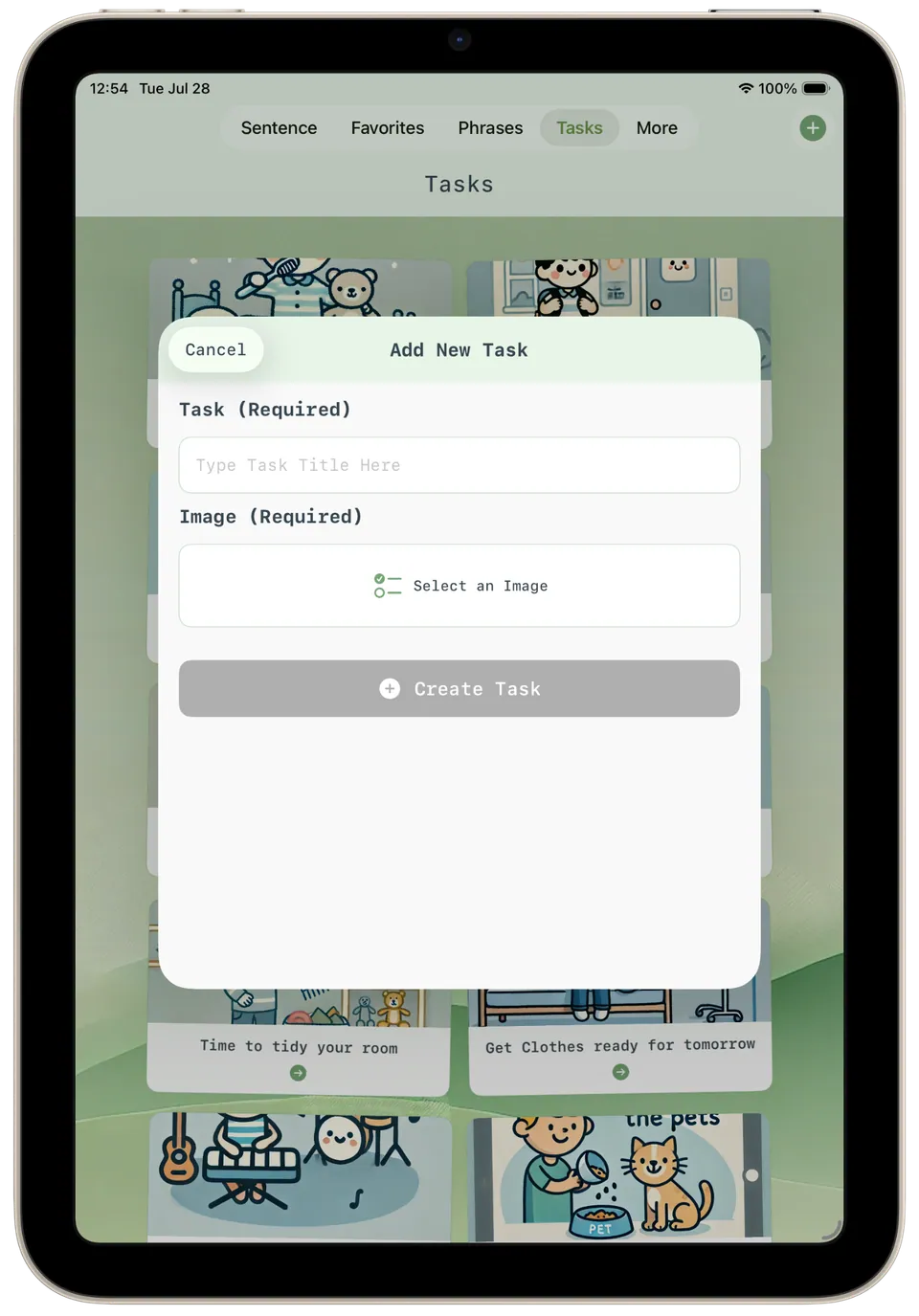
Add new task Creating a new task: type a task title, select an image, and it joins routines like 'Time to tidy your room'. -
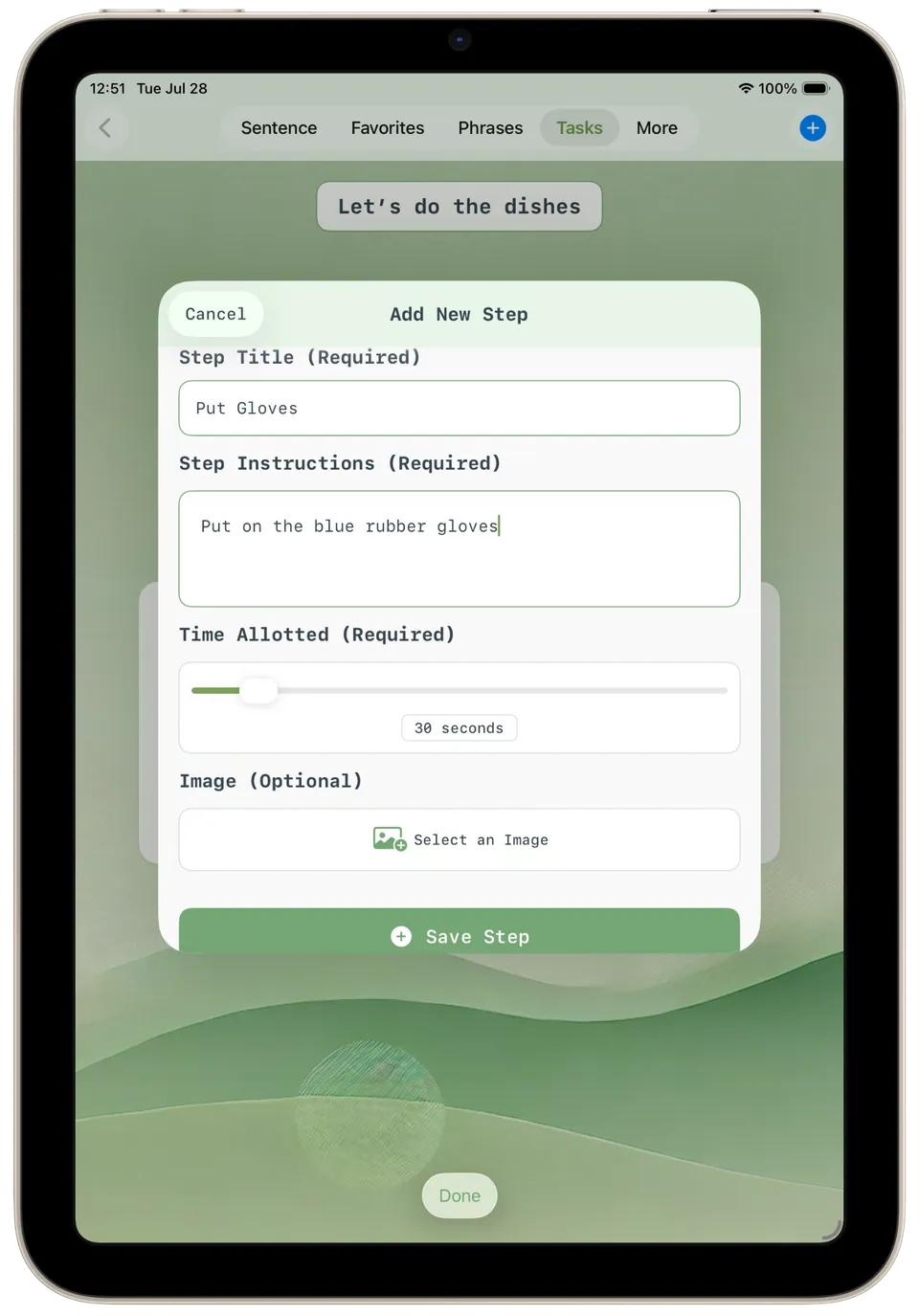
Add task step Adding a step to 'Let's do the dishes': a step title, instructions such as 'Put on the blue rubber gloves', a 30-second time allowance and an optional image. -
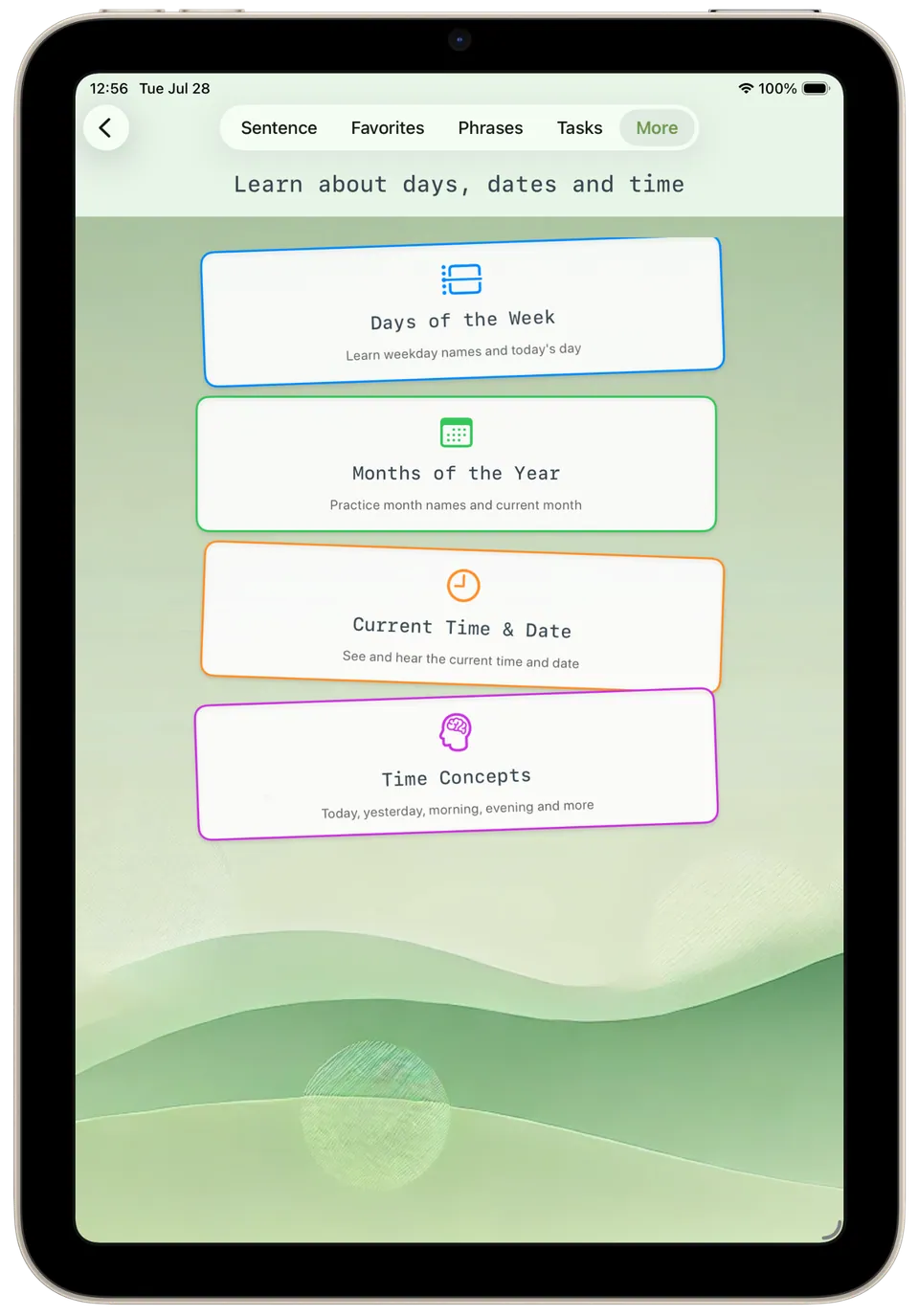
Date, time, days and months Learning about days, dates and time, with cards for days of the week, months of the year, the current time and date, and time concepts. -
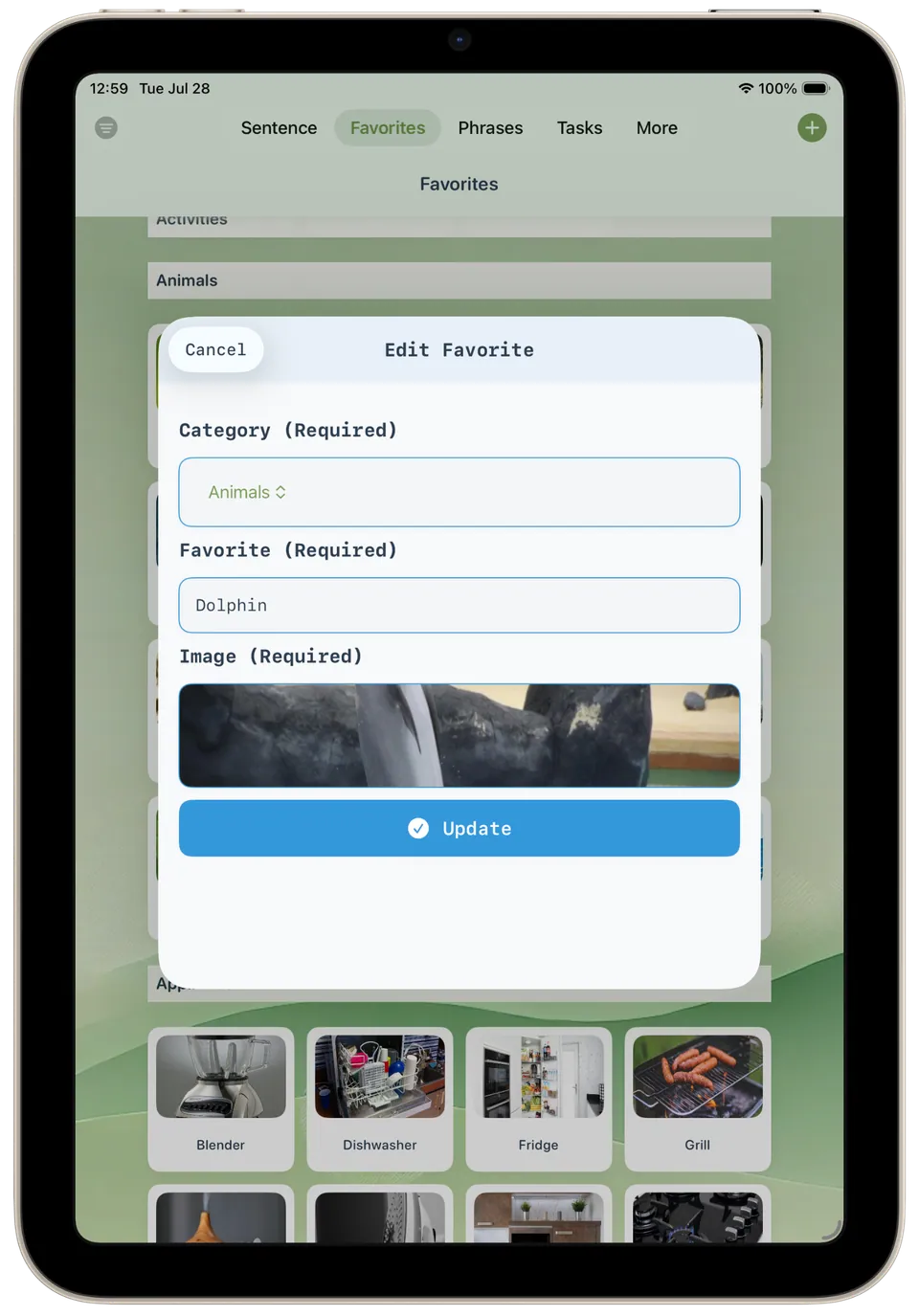
Edit favorite Editing an existing favourite, 'Dolphin' in the 'Animals' category, where the name, category and picture can be changed and updated. -
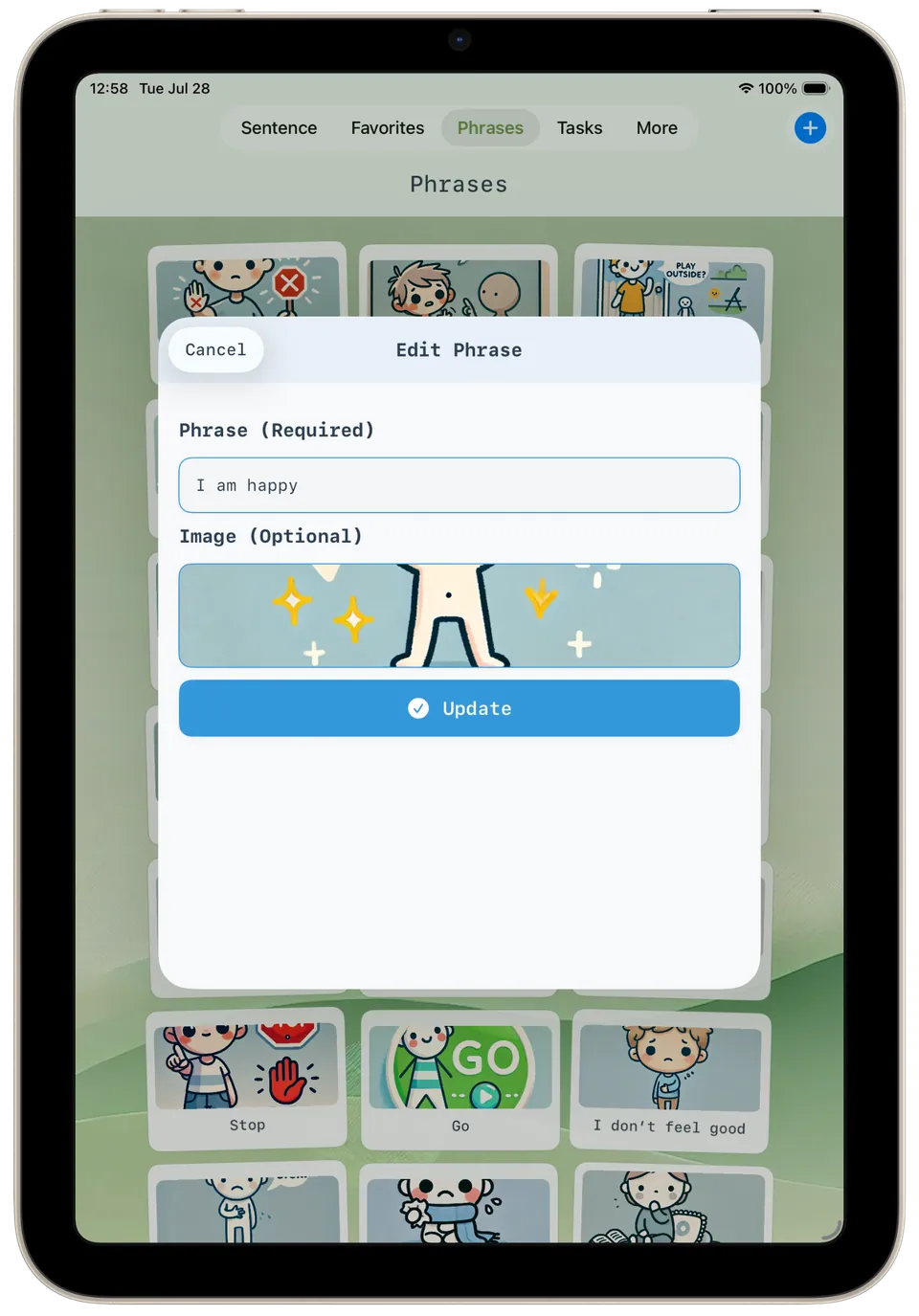
Edit phrase Editing the phrase 'I am happy': the wording and its picture can be changed, with other phrases like 'Stop' and 'Go' behind. -
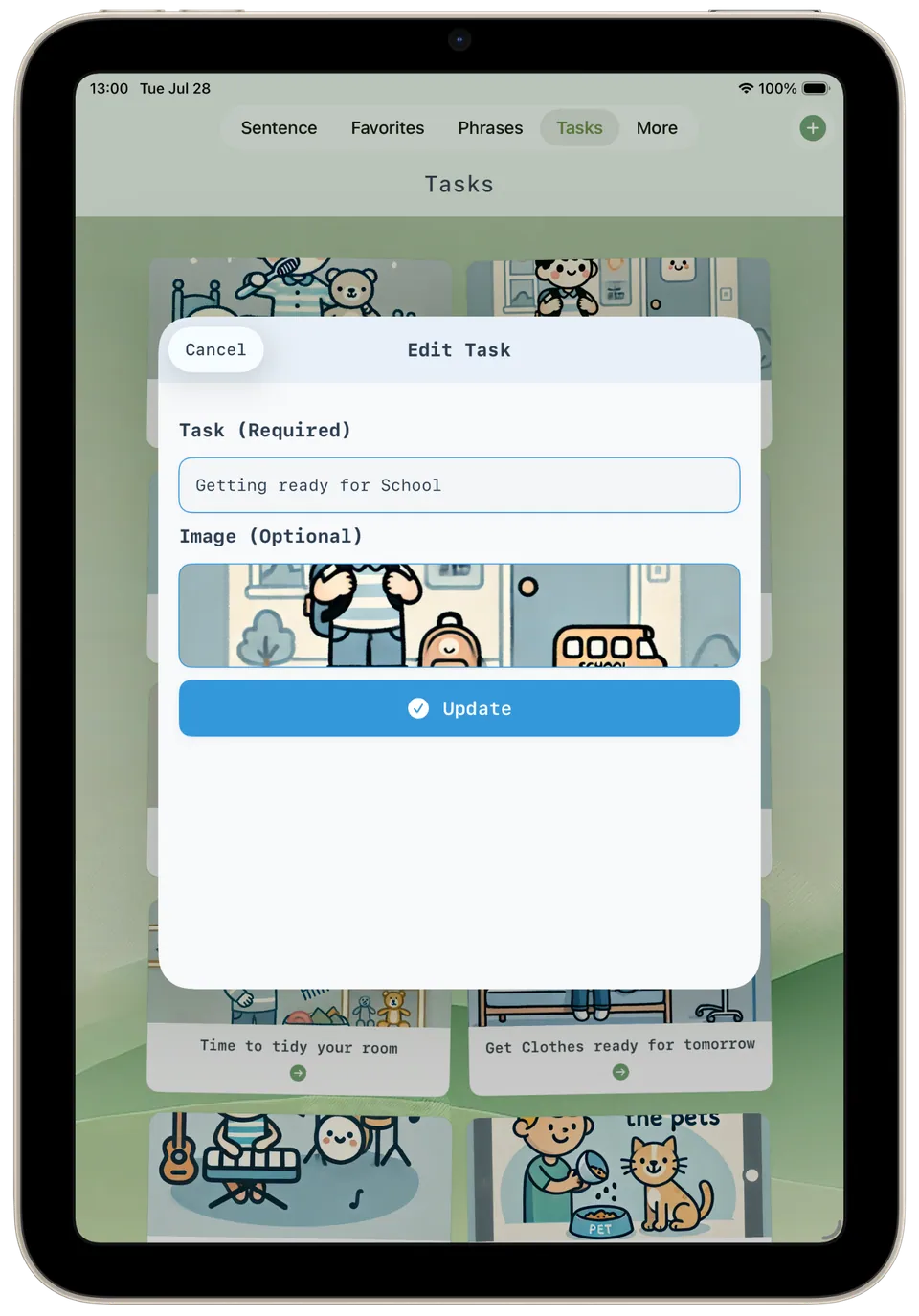
Edit task Editing the task 'Getting ready for School', where the title and its illustration can be changed and saved with the update button. -
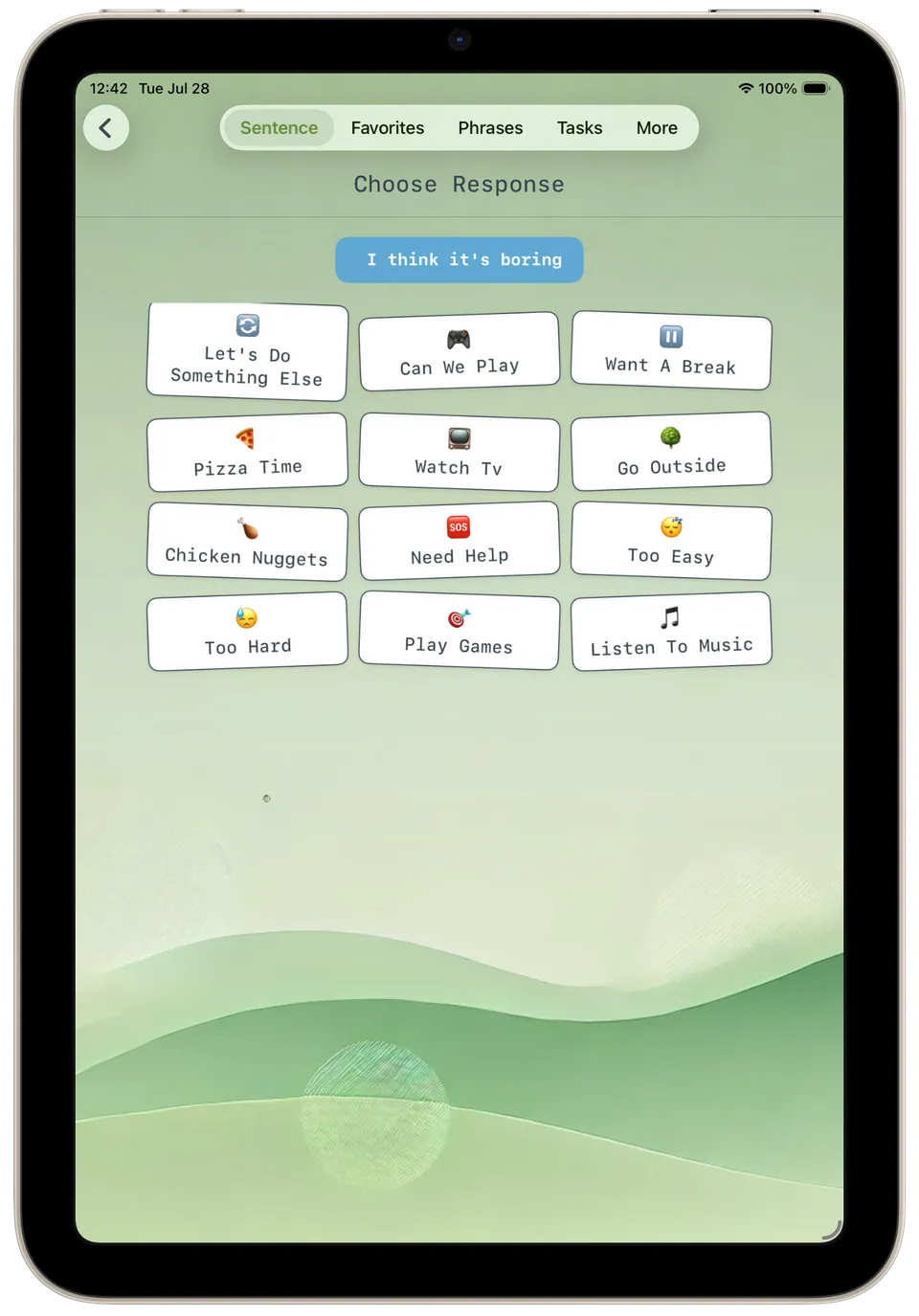
Final choice sentence With 'I think it's boring' built, a grid of follow-ups appears, from 'Go Outside' and 'Want A Break' to 'Need Help' and 'Too Hard'. -
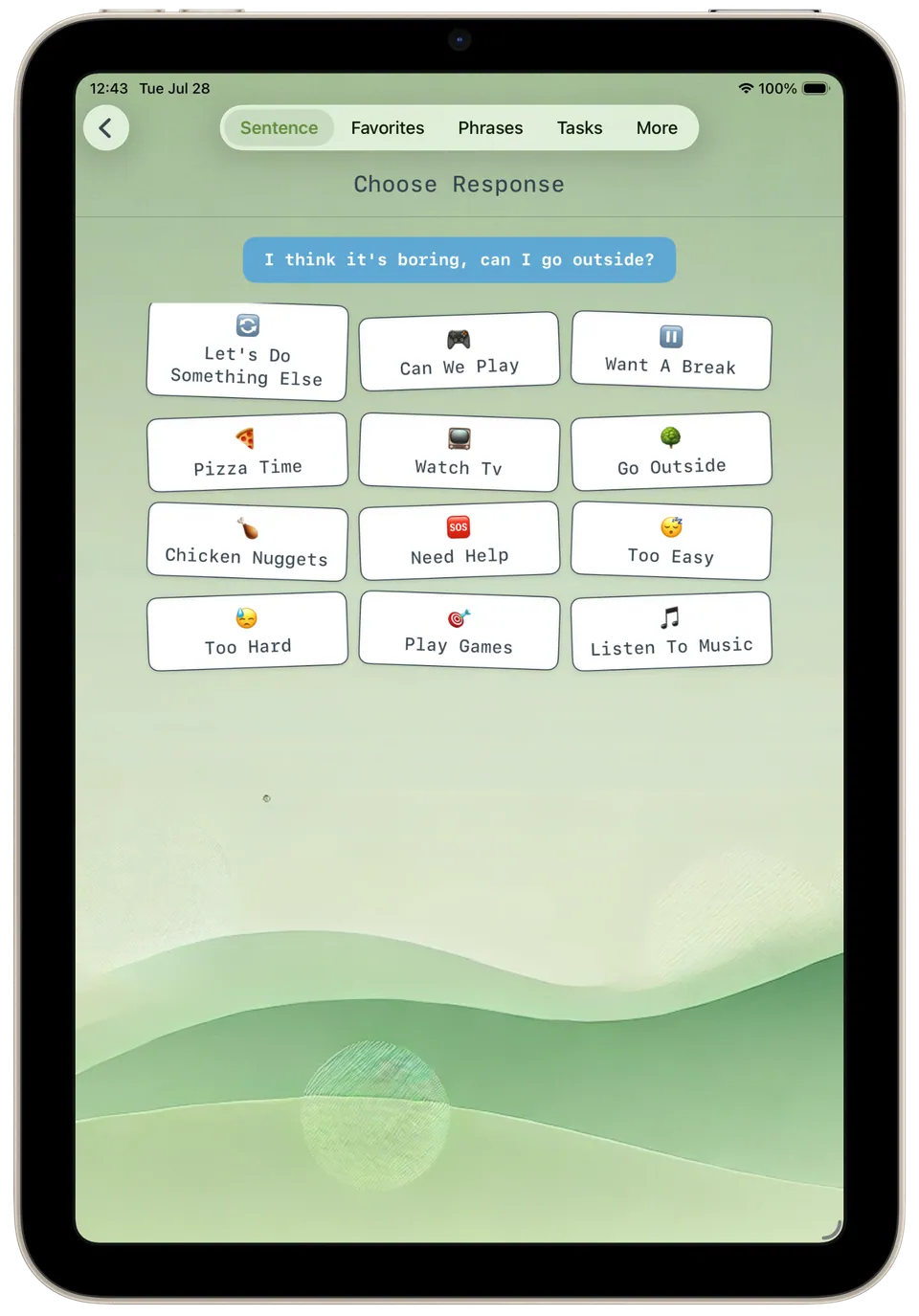
Final response sentence Tapping 'Go Outside' completes the sentence at the top: 'I think it's boring, can I go outside?' -
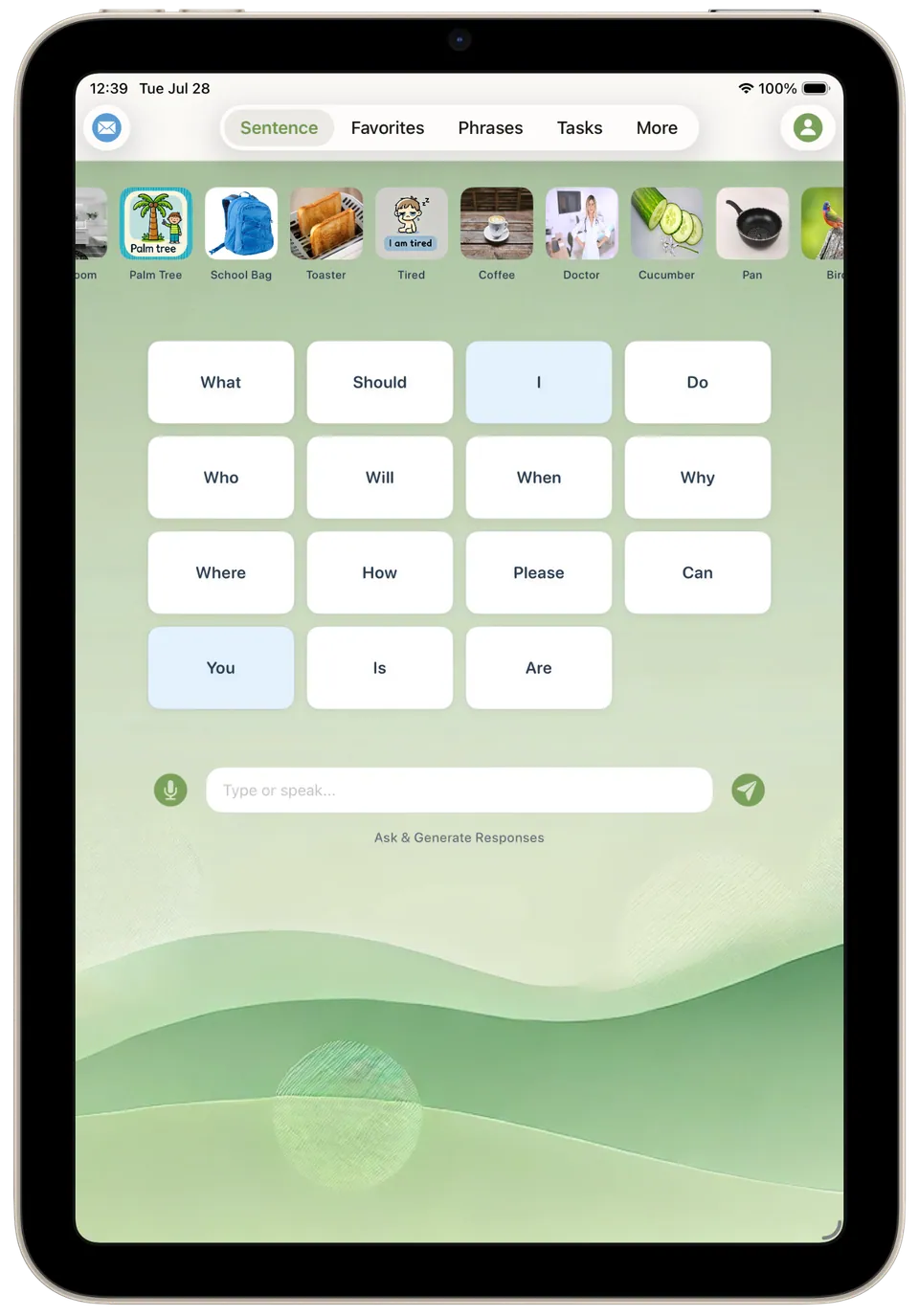
First word sentence Starting a sentence: tap a first word such as 'I', 'What' or 'Can', browse picture cards along the top, or type or speak into the box below. -
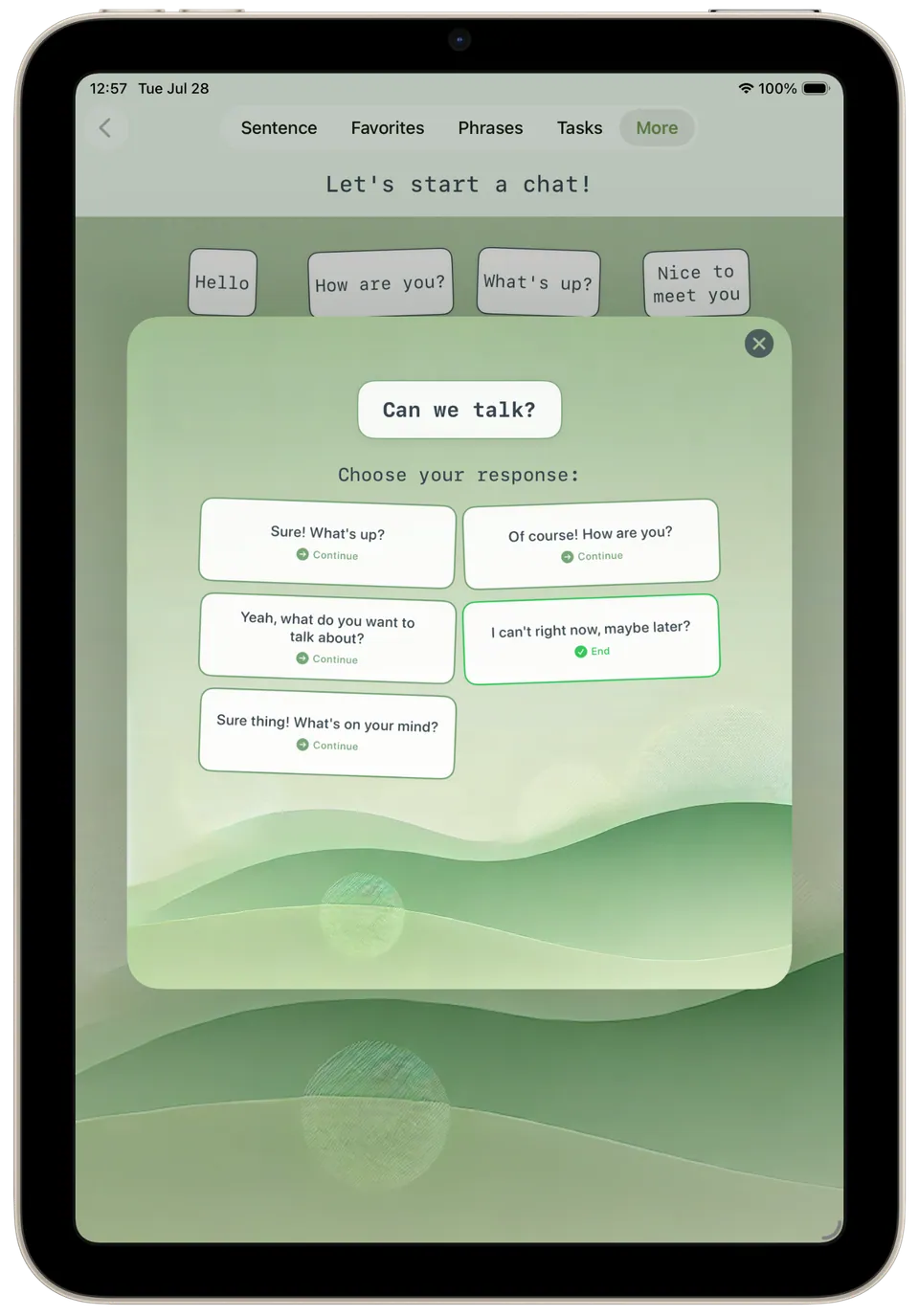
Intelligent chat A guided chat: after 'Can we talk?', the user chooses a reply such as 'Sure! What's up?' to continue or 'I can't right now, maybe later?' to end. -
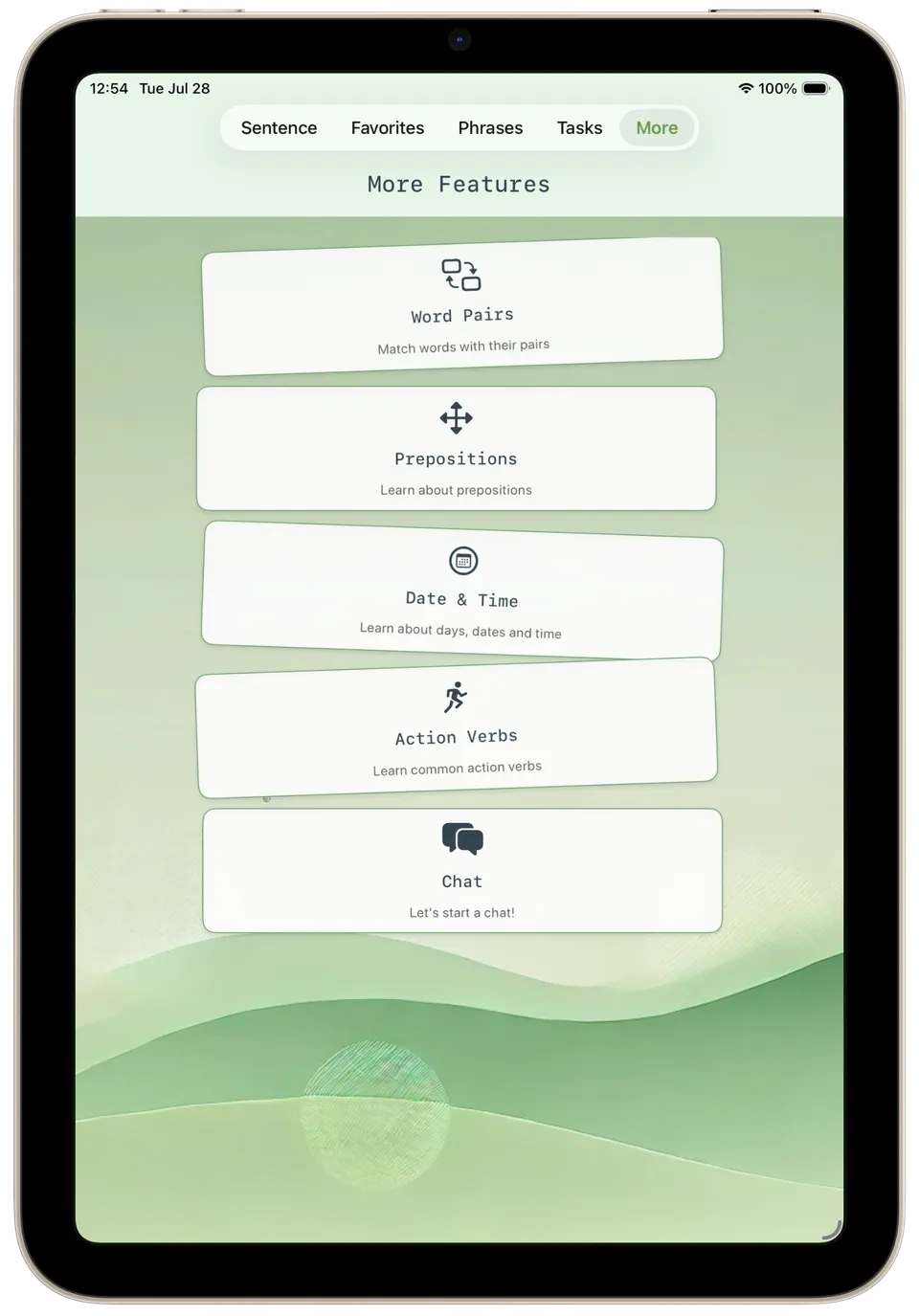
More features The More section lists extra activities: word pairs, prepositions, date and time, action verbs, and a chat for practising conversation. -
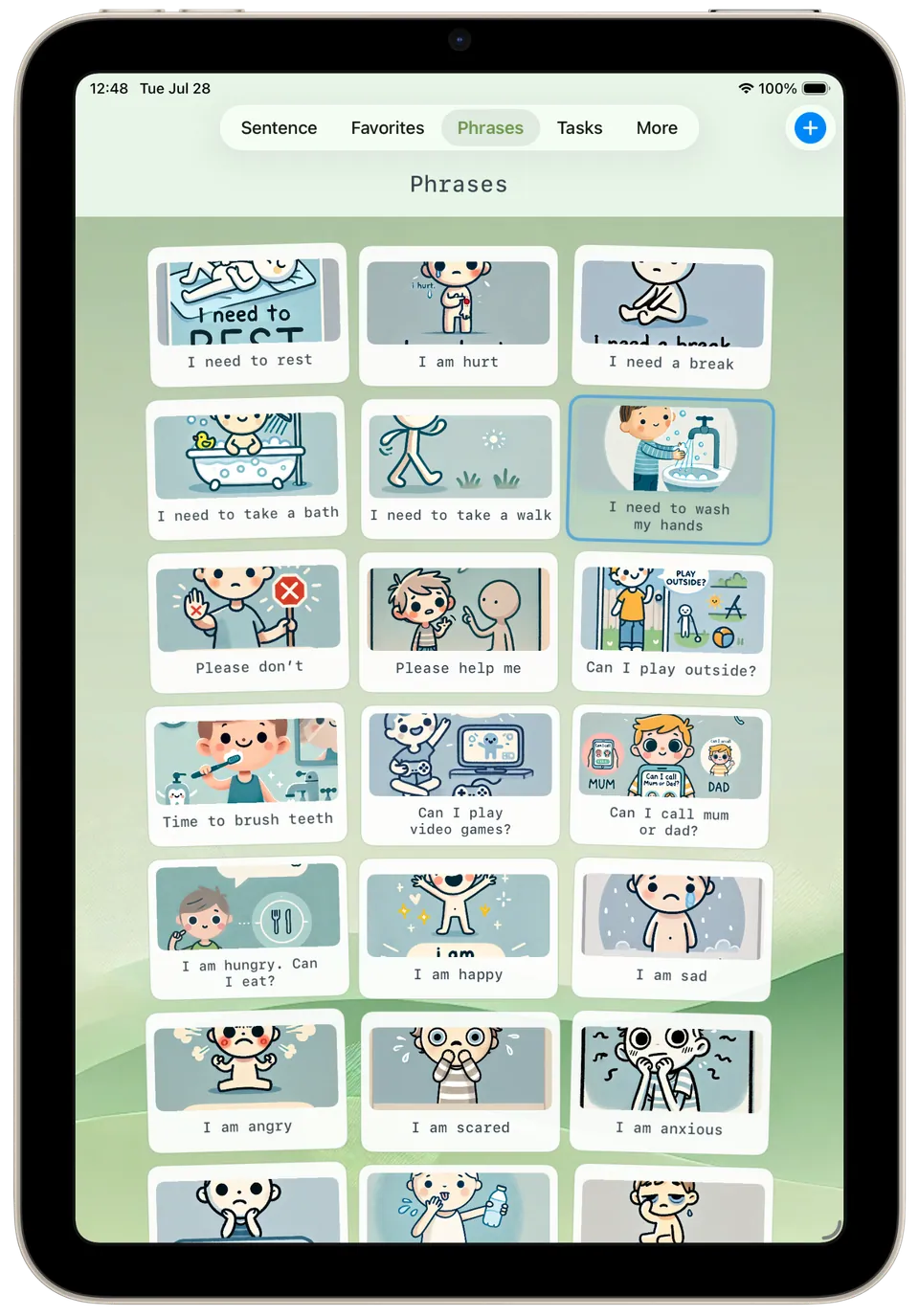
Phrases Ready-made phrases with illustrations, such as 'I need a break', 'Please help me', 'I am hungry. Can I eat?' and 'I am anxious', tapped in one go. -
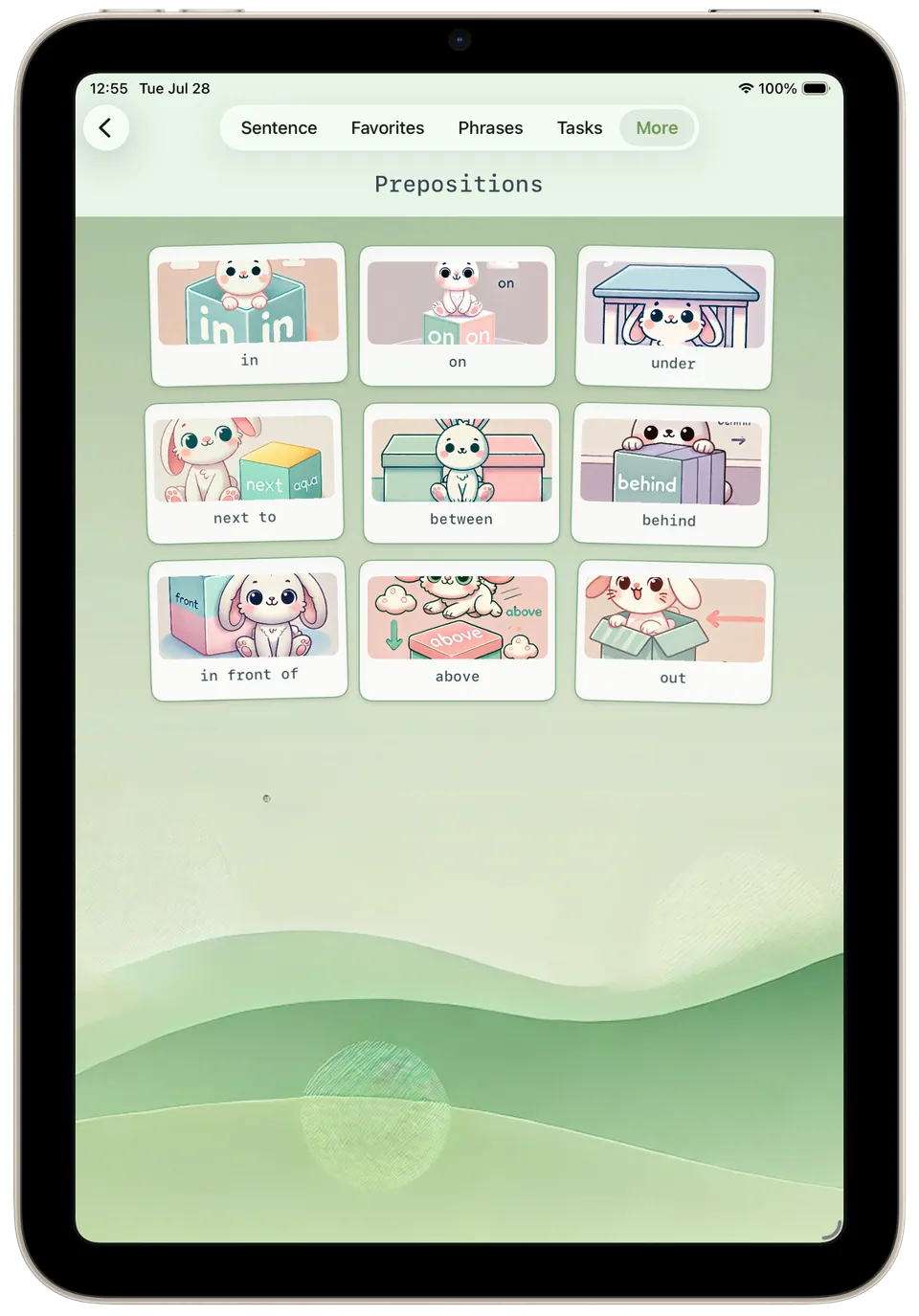
Prepositions Prepositions shown with a rabbit and a box, illustrating words such as 'in', 'under', 'behind', 'between' and 'in front of'. -
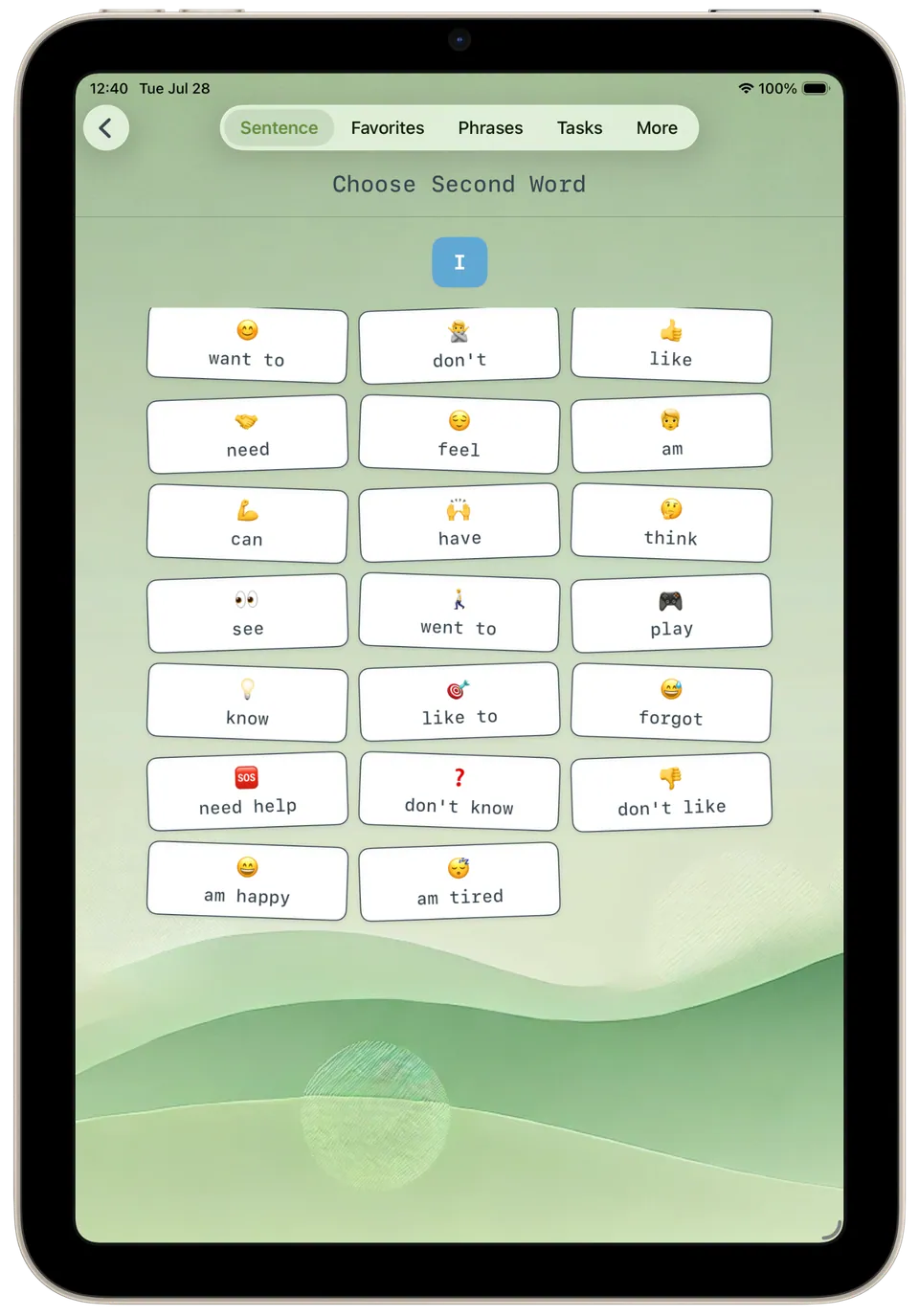
Second word sentence Choosing the second word after 'I': options include 'want to', 'need', 'feel', 'don't like', 'need help' and 'am tired'. -
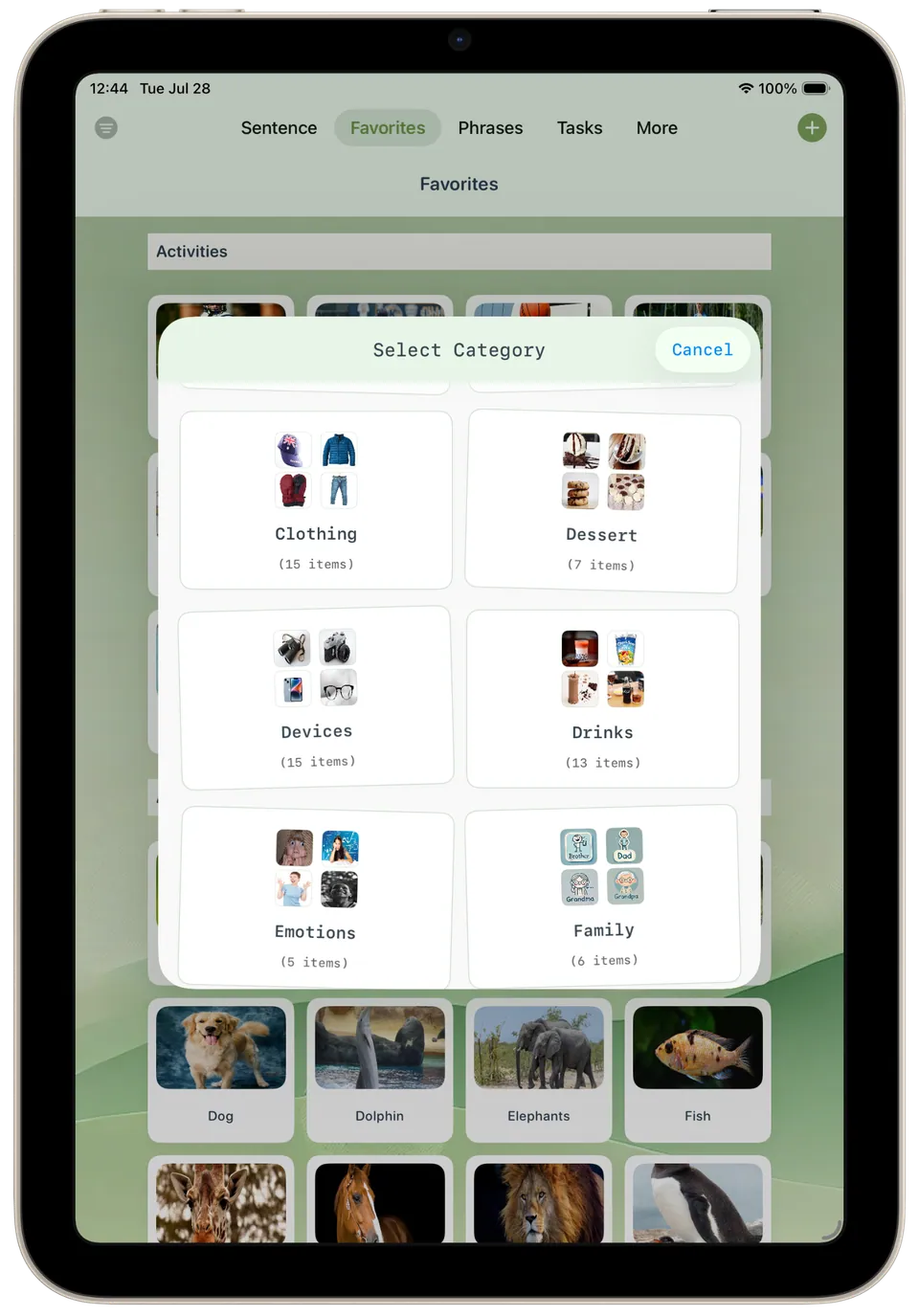
Select favorites category Choosing a favourites category, such as Clothing, Dessert, Drinks, Emotions or Family, each showing small photos and how many items it holds. -
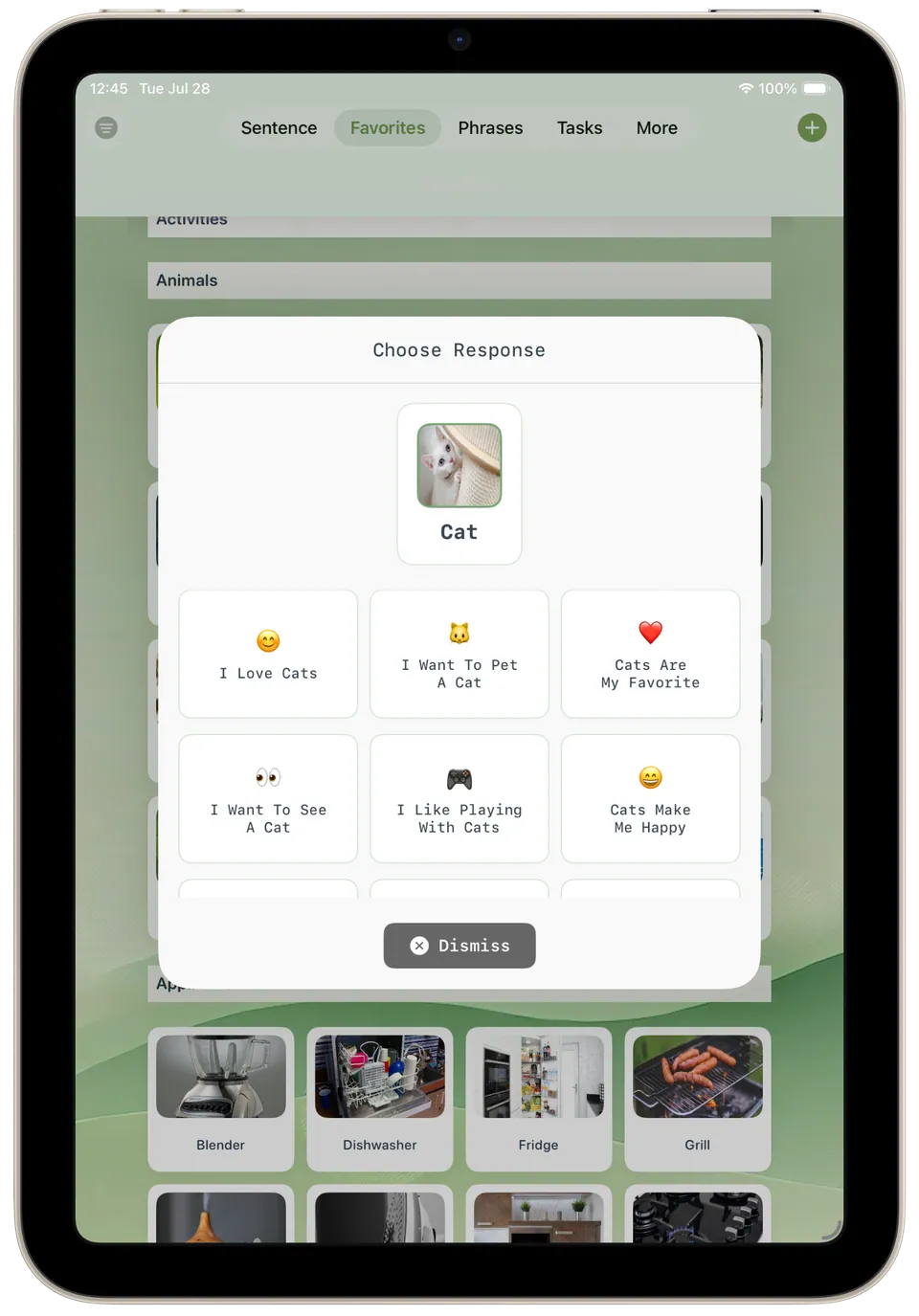
Selected favorite responses Tapping the 'Cat' favourite offers ready sentences about it, like 'I Love Cats', 'I Want To Pet A Cat' and 'Cats Make Me Happy'. -
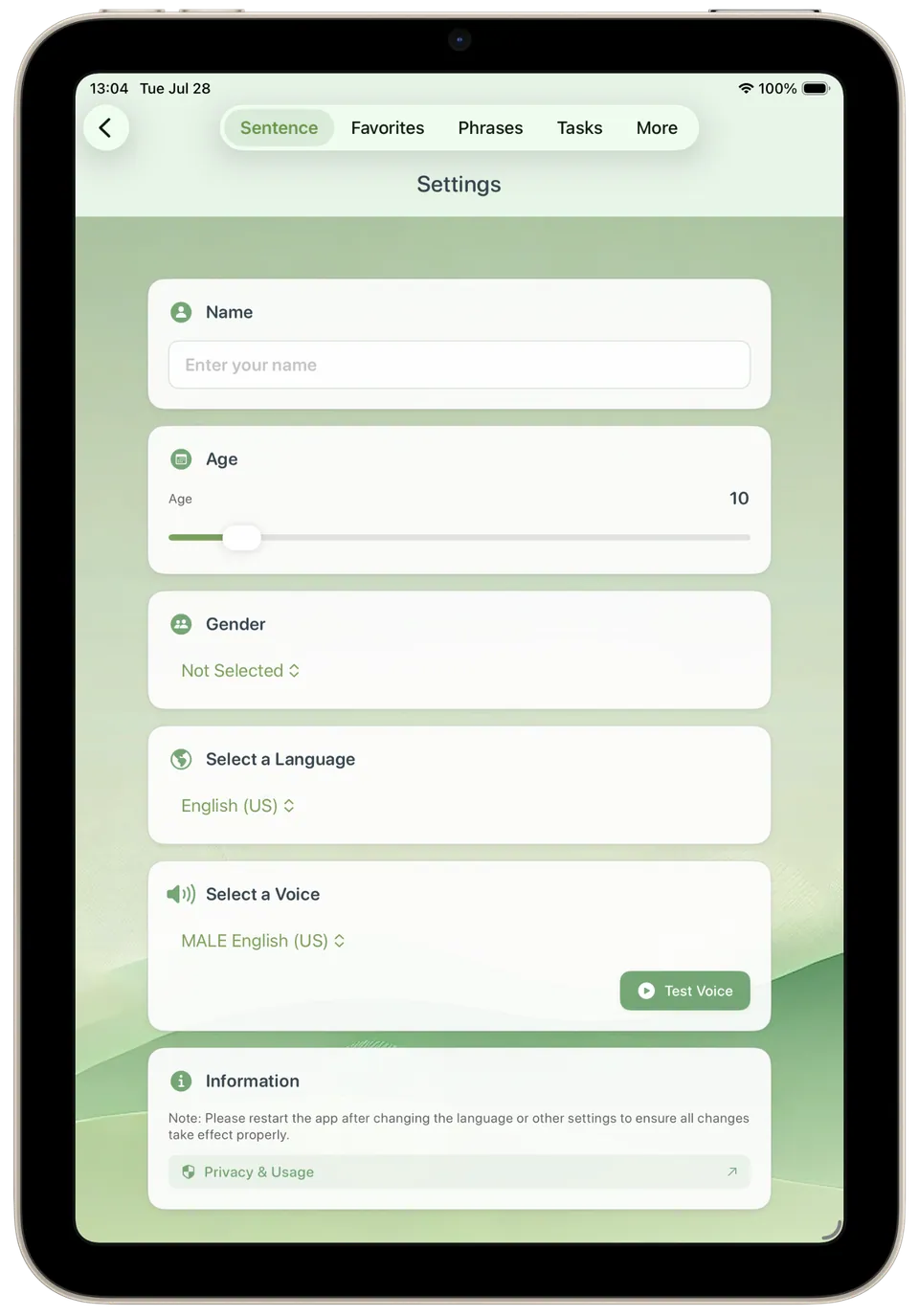
Settings Settings for name, age, gender, language and voice, with a button to test the chosen voice before using it. -
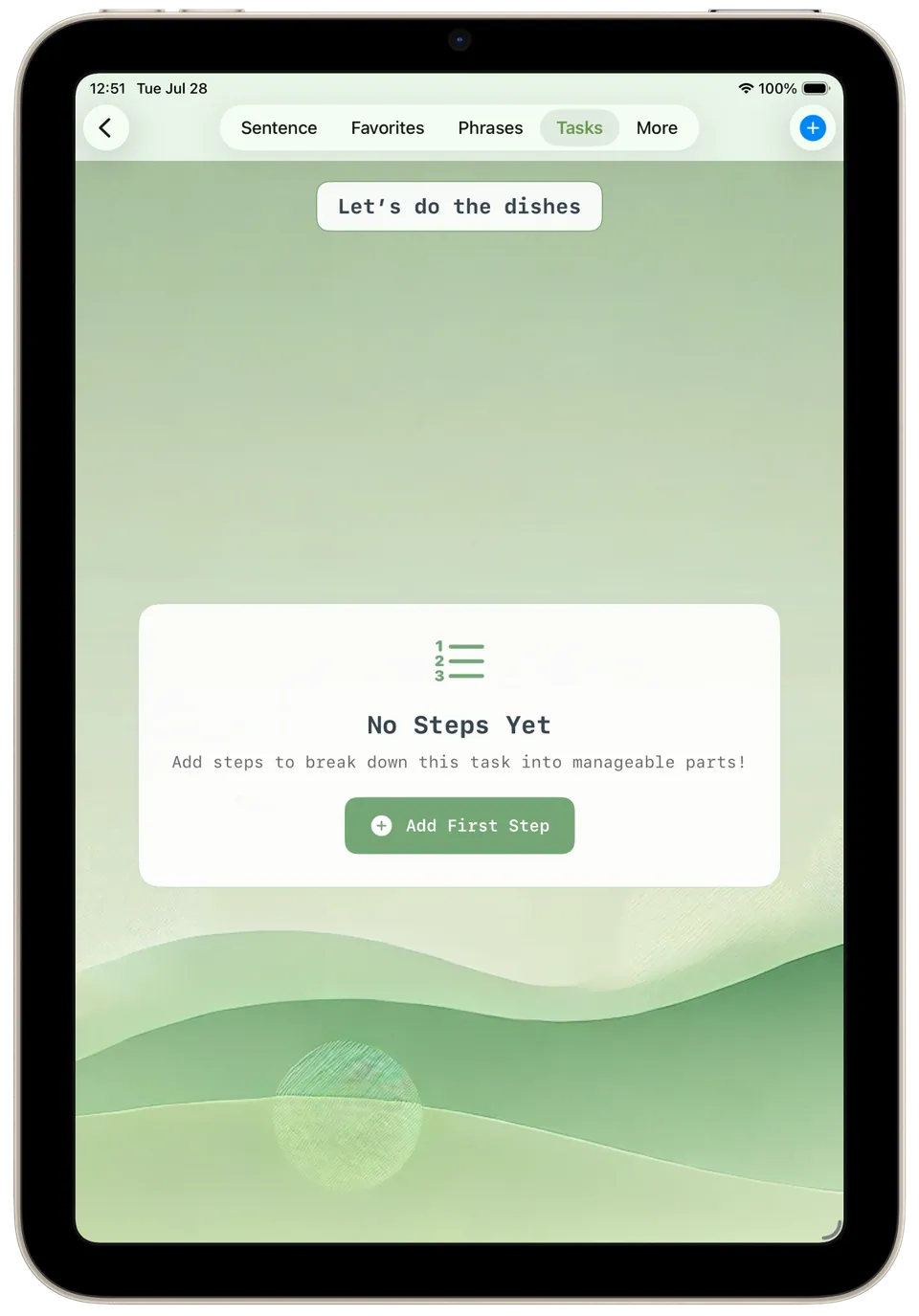
Task steps A new task, 'Let's do the dishes', with no steps yet and a button to add the first step and break it into smaller parts. -
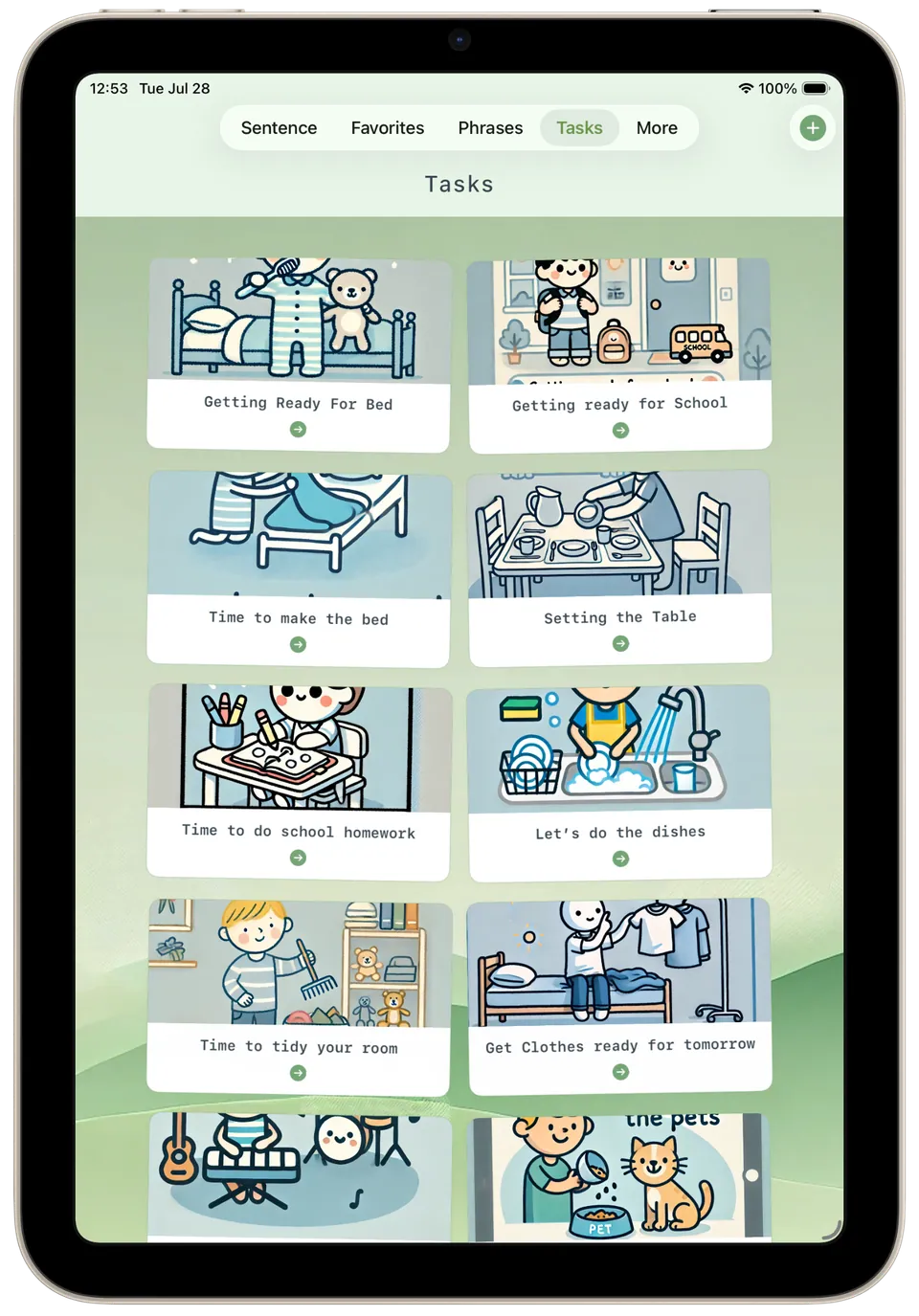
Tasks Everyday routines as illustrated task cards, such as 'Getting Ready For Bed', 'Setting the Table' and 'Time to do school homework'. -
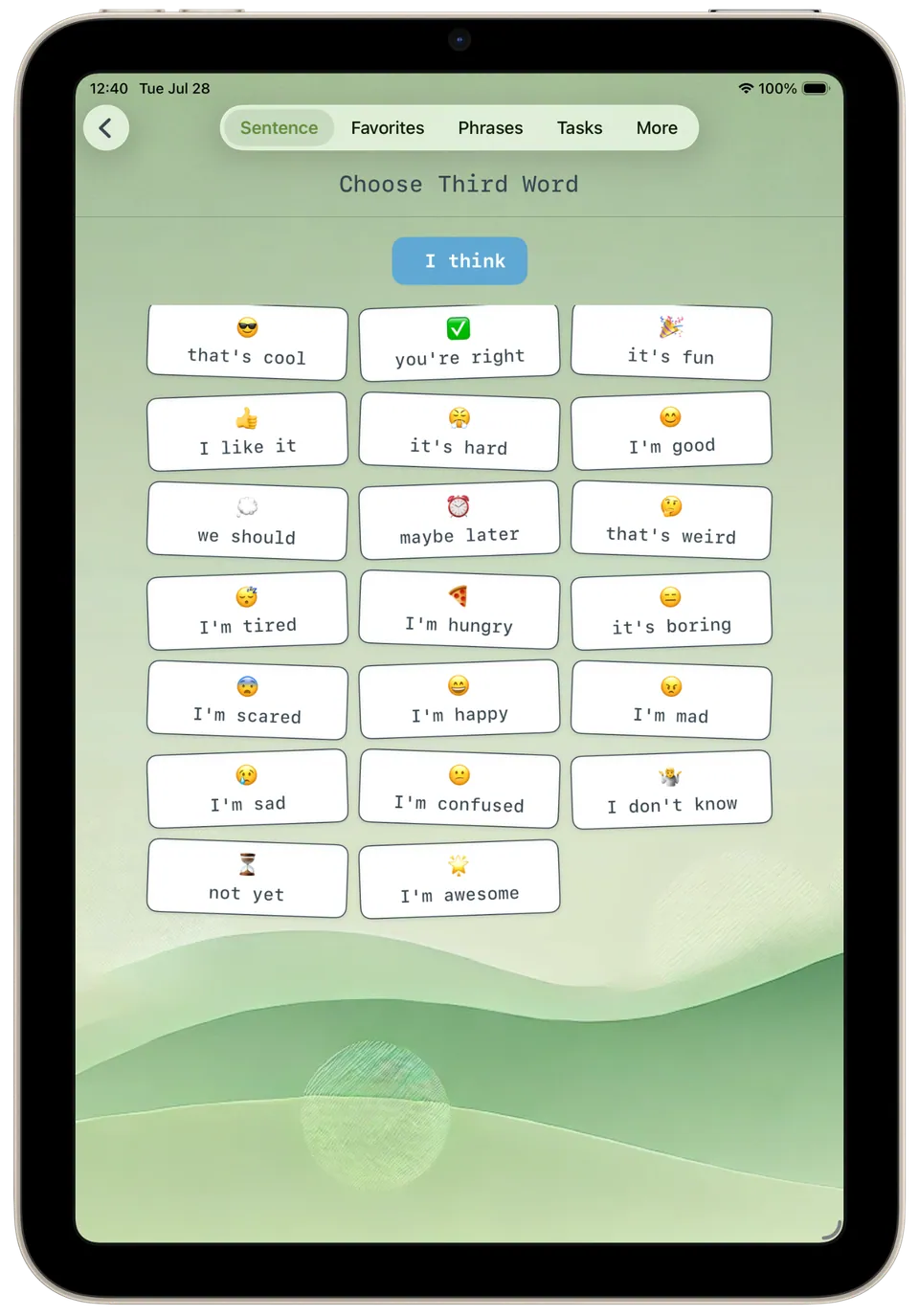
Third word sentence Choosing the next words after 'I think': options include 'it's fun', 'it's hard', 'I'm hungry', 'it's boring', 'I'm confused' and 'not yet'. -
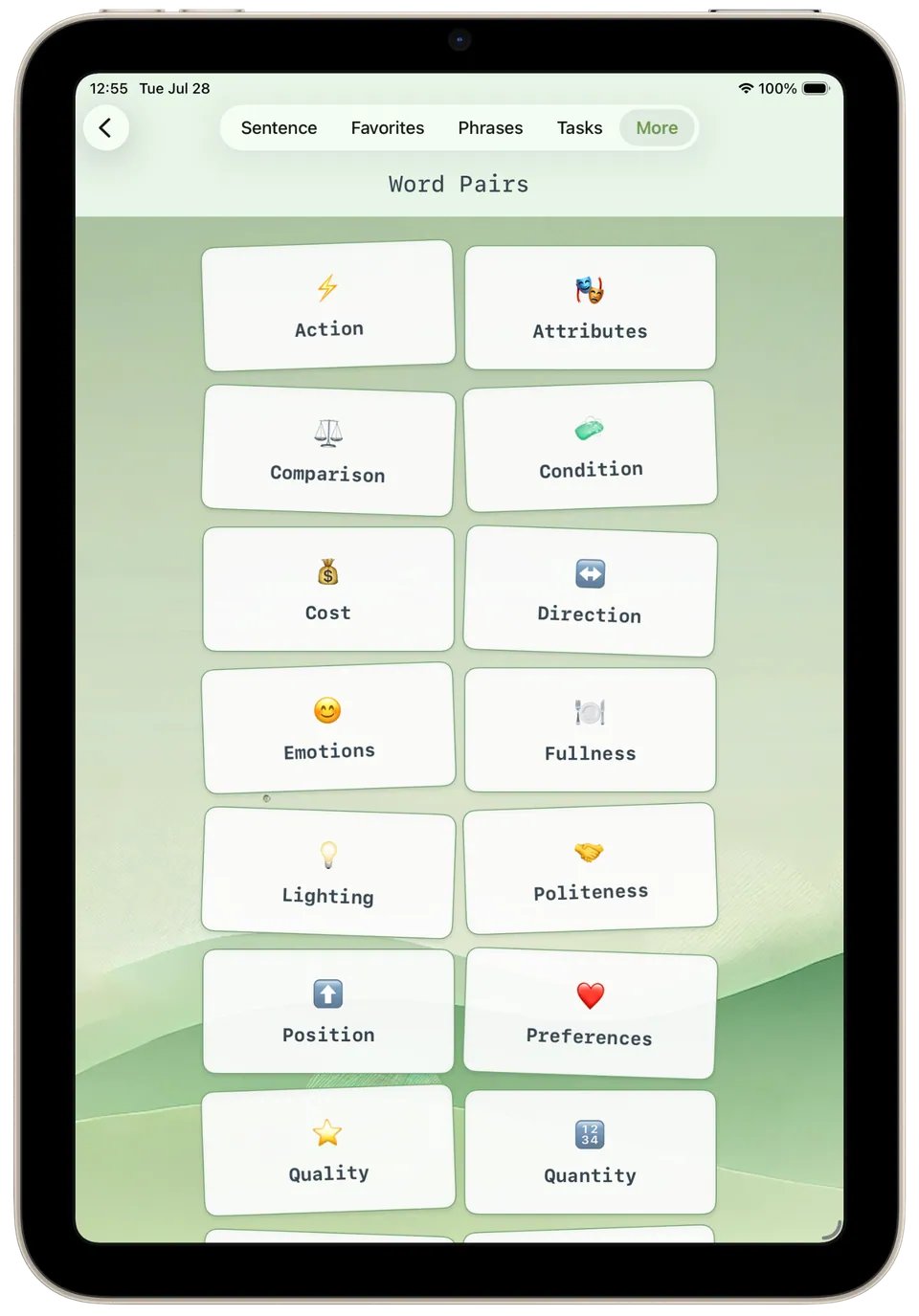
Word pairs Word pairs grouped by theme, such as Action, Comparison, Direction, Emotions, Politeness and Quantity, each opened with a tap.